
Android 16 buying guide
What to check in an Android 16 CarPlay AI Box
The Android version is one part of the product. Processor, memory, connectivity, positioning, thermal design and vehicle compatibility determine the practical experience.
Hardware still matters
Compare the processor, RAM and storage as well as the Android version. More demanding navigation, media and multitasking workloads benefit from stronger hardware and sufficient memory.
- Processor platform
- RAM and storage
- Wi-Fi or 5G connectivity
- GNSS and HDMI requirements
Choose connectivity for the way you drive
A Wi-Fi model normally uses a phone hotspot or another network. A 5G model can use compatible mobile service, subject to regional bands, carrier support and the required SIM configuration.
Match the input before the operating system
A modern Android version cannot compensate for an incompatible factory connection. Confirm whether the vehicle supplies factory wired CarPlay, factory wireless CarPlay or factory wired Android Auto. The Tesla browser-connected box follows a different workflow and currently ships with Android 13.
Choose an Android 16 model by its factory connection
ApplePie Rocket Plus, ONE and Touch offer three compatible factory connection paths. ApplePie mini Ultra II is for compatible factory wired CarPlay. ApplePie Melling focuses on compatible factory wireless CarPlay and selected BMW iDrive systems. Confirm the exact vehicle, supplied configuration and regional service before ordering.
Verified product profiles
Models that match this selection condition.
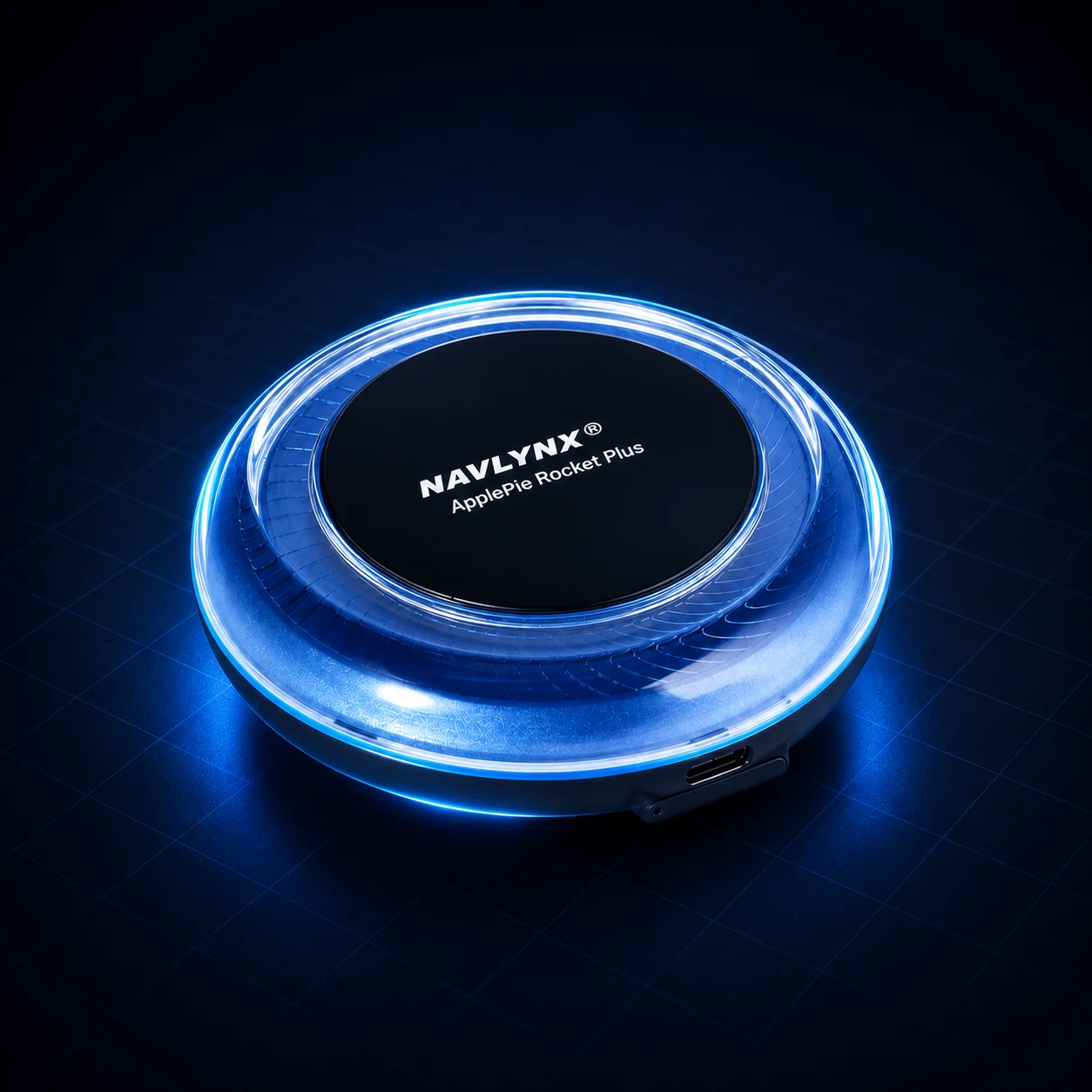 ApplePie Rocket Plus3-in-1 factory connection support · Wired CarPlay + wireless CarPlay + wired Android Auto · Android 16
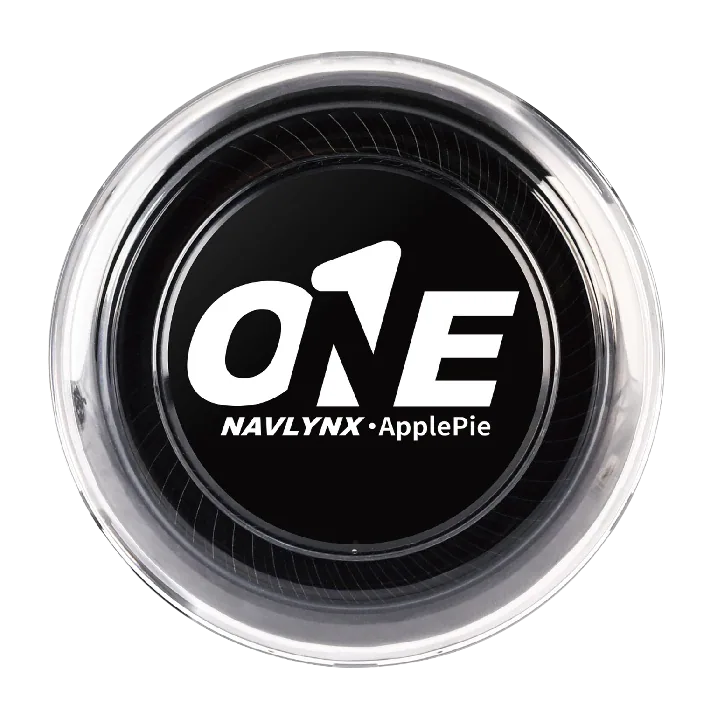 ApplePie ONE3-in-1 factory connection support · Wired CarPlay + wireless CarPlay + wired Android Auto · Android 16
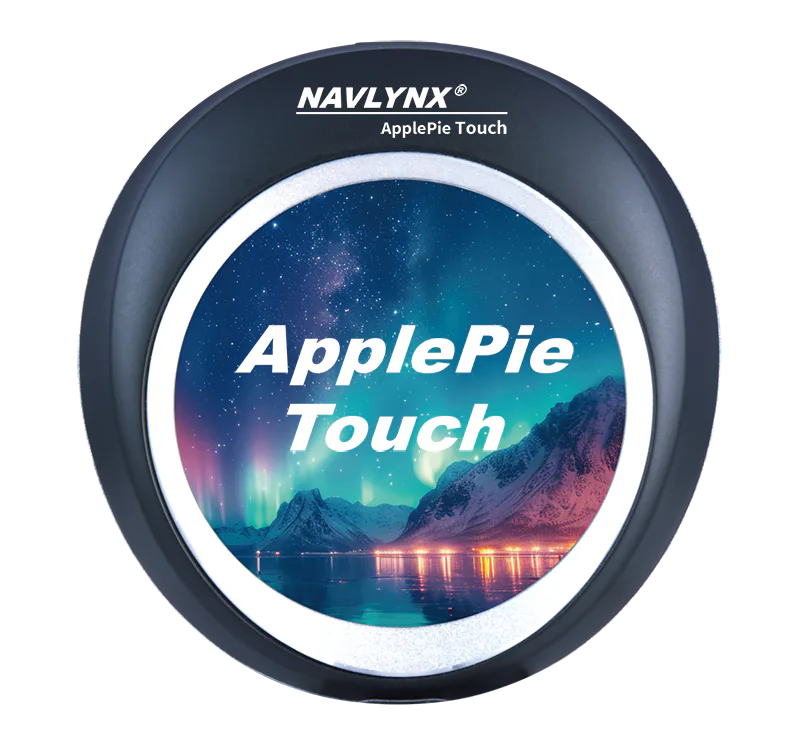 ApplePie Touch3-in-1 factory connection support · Wired CarPlay + wireless CarPlay + wired Android Auto · 2.1-inch touch display
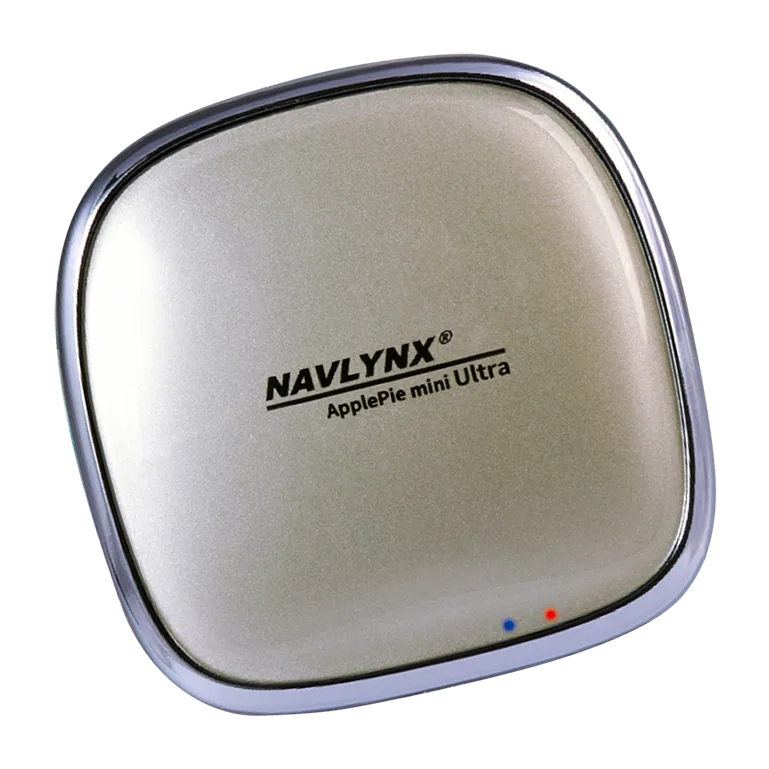 ApplePie mini Ultra IIFactory wired CarPlay input · Android 16 · Qualcomm platform
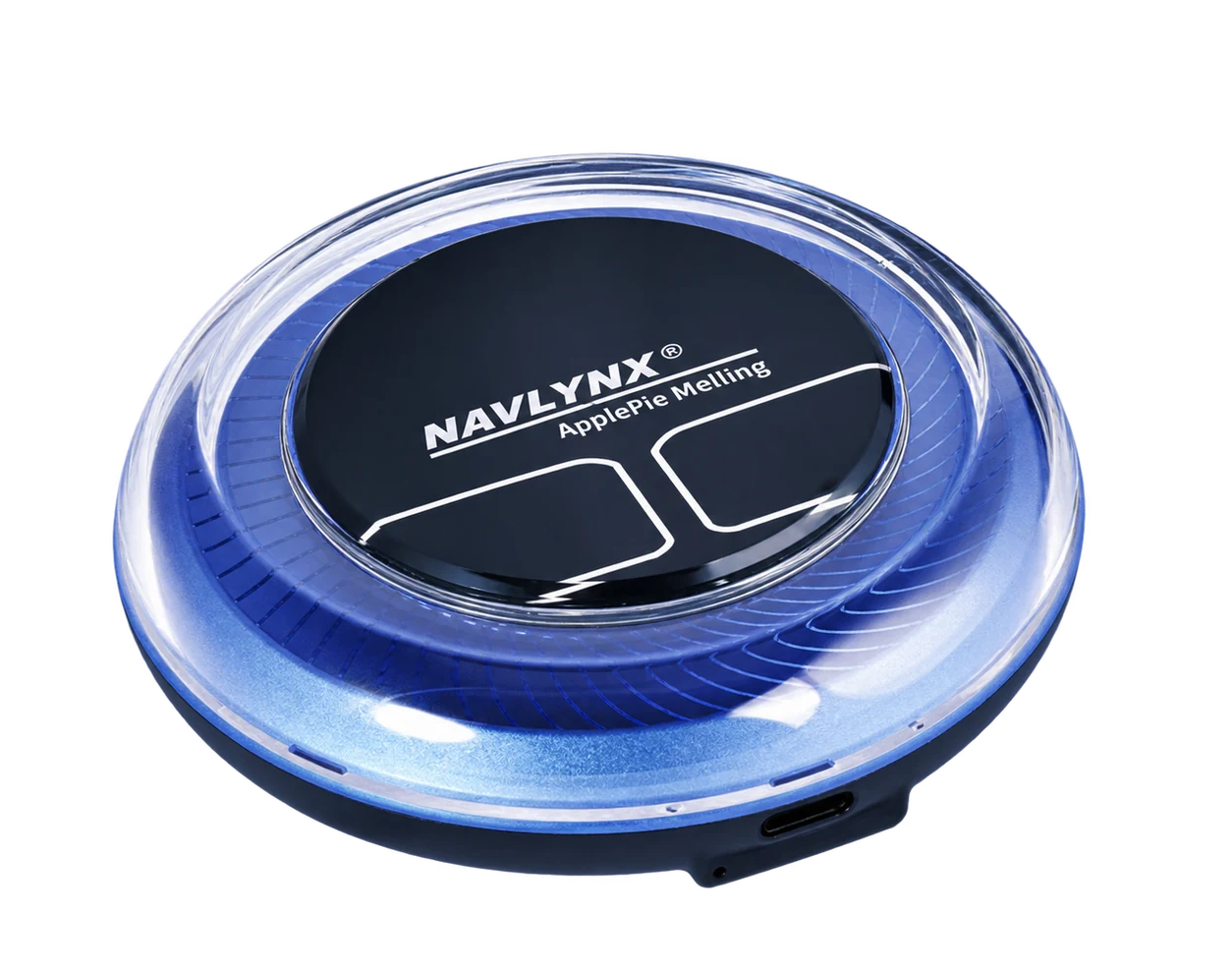 ApplePie MellingFactory wireless CarPlay input · Android 16 · Qualcomm platform
Need a model recommendation?
Send the exact vehicle details.
Include the vehicle make, model, year, country, factory connection mode and the features you need. Contact sales@lynxtech-vision.com.
Reviewed and updated September 29, 2026.