NAVLYNXGlobal
HomeShop Buyer guideWholesale

CarPlay AI Box buyer guide

Choose the right CarPlay AI Box for your factory screen.

A practical guide to compatibility, Android features, wireless phone projection, 5G, HDMI and the difference between an AI Box and a basic wireless CarPlay adapter.

CarPlay AI Box

A complete Android environment

Runs its own Android apps and can add navigation, media and connectivity features to a compatible original display. Some models also provide wireless CarPlay or Android Auto, mobile data, positioning or HDMI output.
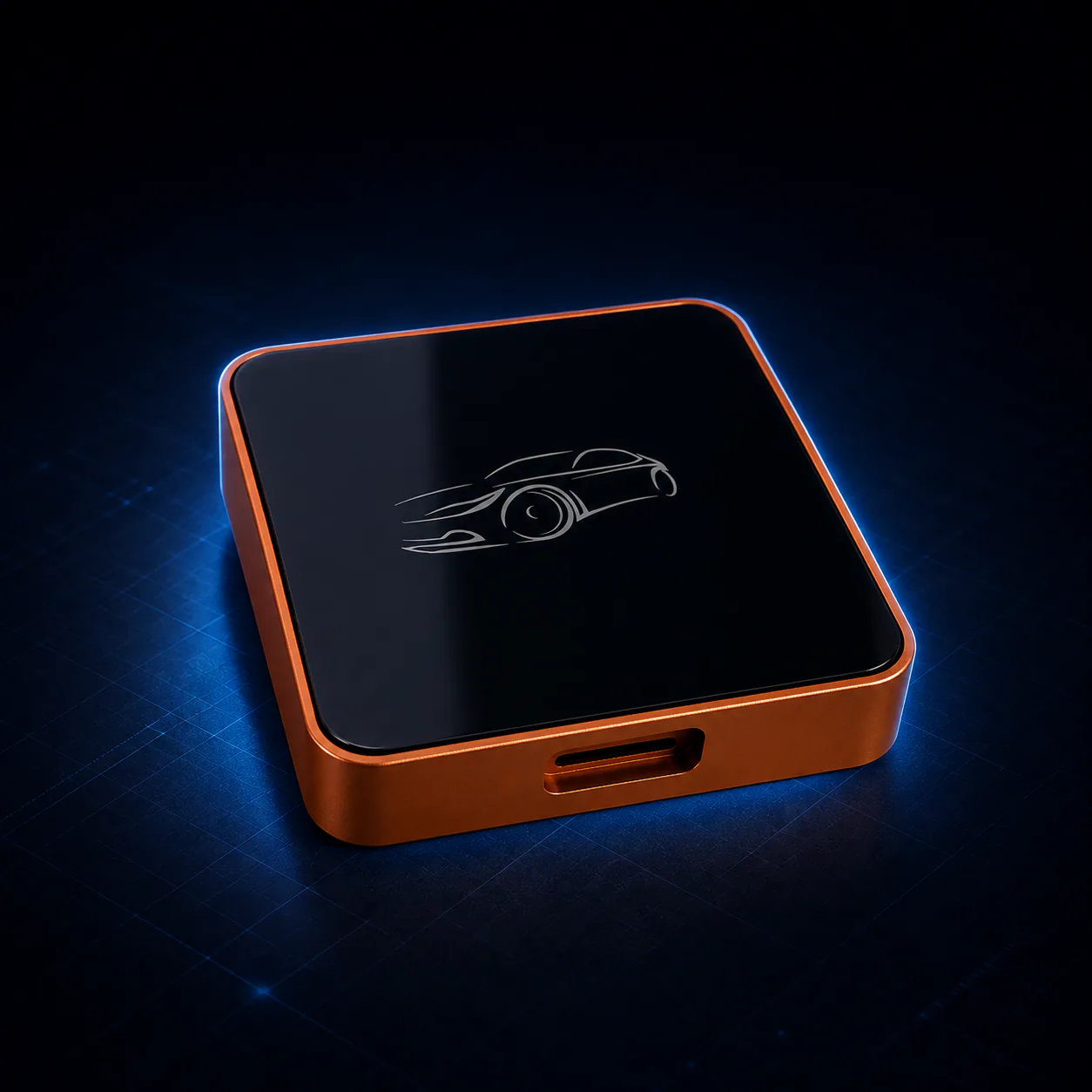
Wireless CarPlay adapter

A simpler cable replacement

Primarily converts a compatible wired CarPlay connection into a wireless phone connection. It normally keeps the phone's CarPlay interface and does not provide a standalone Android app environment.

Compatibility checklist

Check these four points before buying.

  1. 01

    Identify the factory system

    Confirm whether the vehicle has working factory wired CarPlay, wireless CarPlay or wired Android Auto.

  2. 02

    Use the correct USB data port

    A charging-only port cannot carry the vehicle display and control data required by most boxes.

  3. 03
  4. 04

    Confirm regional services

    Mobile bands, applications, maps, warranty service and shipping options vary by country and configuration.

NAVLYNX ApplePie range

Compare current CarPlay AI Box models.

ApplePie One Lite RK3562 three-in-one Wi-Fi Android Box
ApplePie One LiteFor vehicles with factory wired CarPlay, wireless CarPlay, or wired Android Auto that need an adaptive Android expansion without a cellular modem.Android 13 · Rockchip RK3562 · 1 TOPS NPU
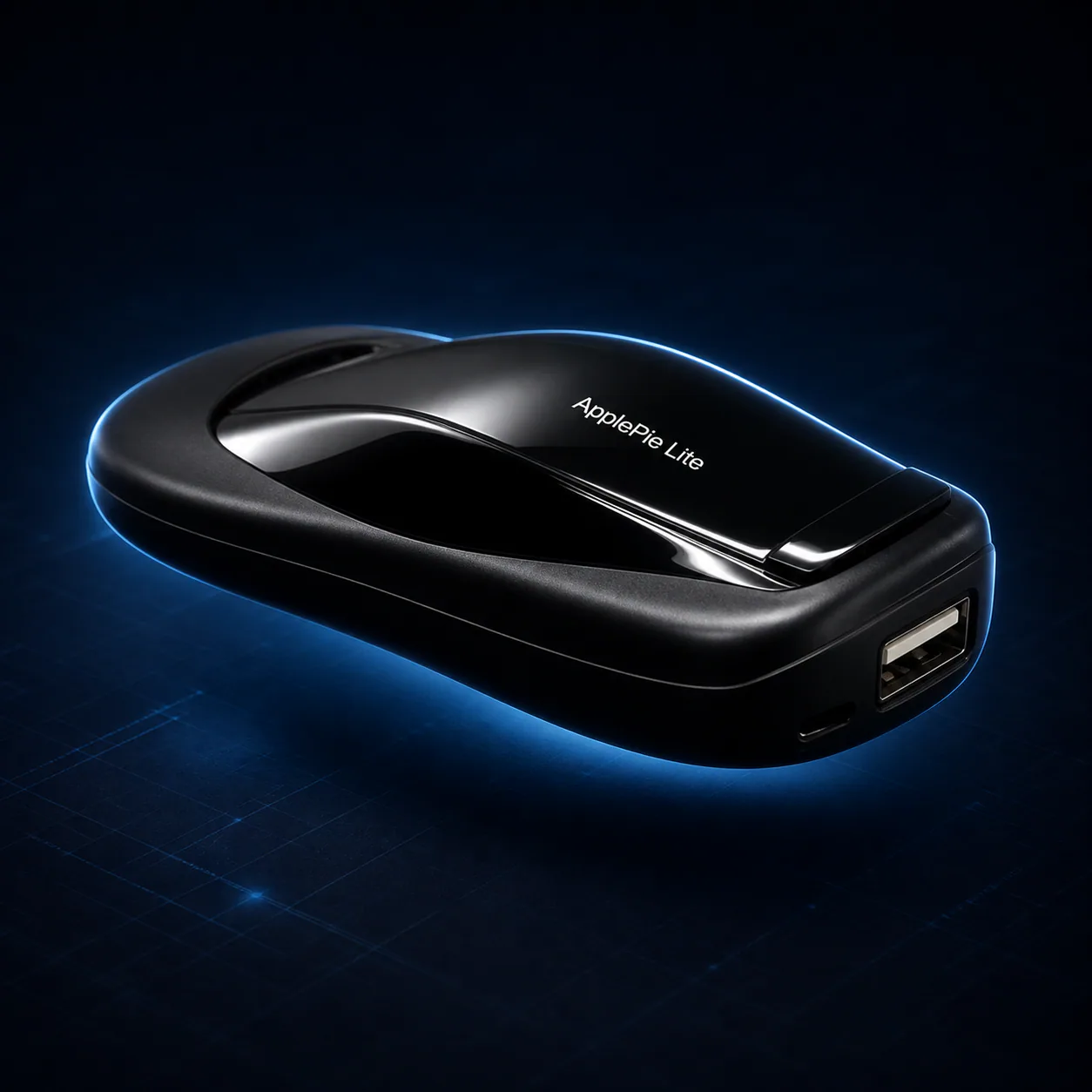
NAVLYNX ApplePie Lite RK3562 Android Box
ApplePie LiteFor vehicles with factory wired CarPlay or wired Android Auto that need a compact Android expansion without a mobile-data modem.Android 13 · Rockchip RK3562 · 1 TOPS NPU
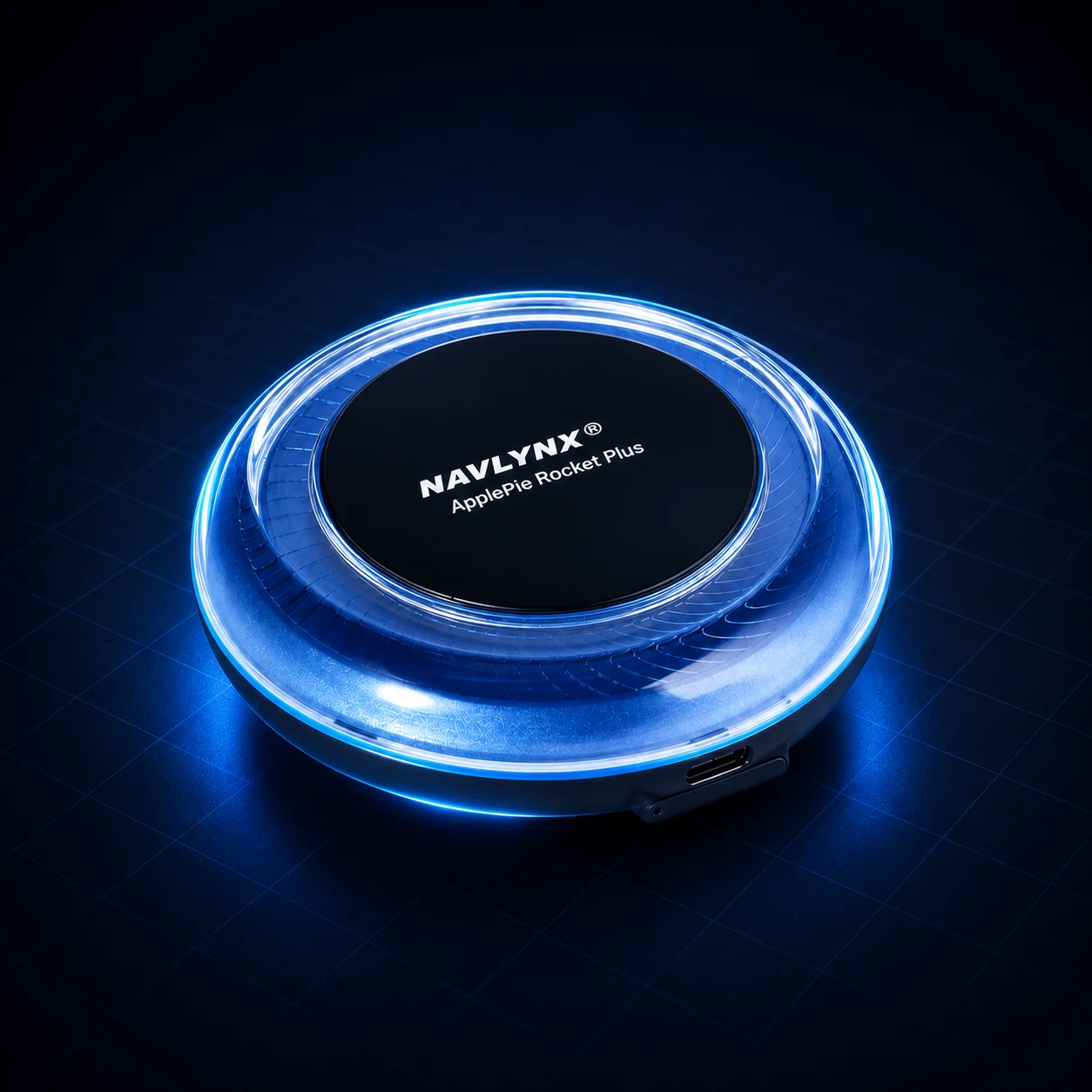
ApplePie Rocket Plus
ApplePie Rocket PlusA 3-in-1 Android 16 platform for compatible vehicles with factory wired CarPlay, factory wireless CarPlay, or factory wired Android Auto.3-in-1 factory connection support · Wired CarPlay + wireless CarPlay + wired Android Auto · Android 16
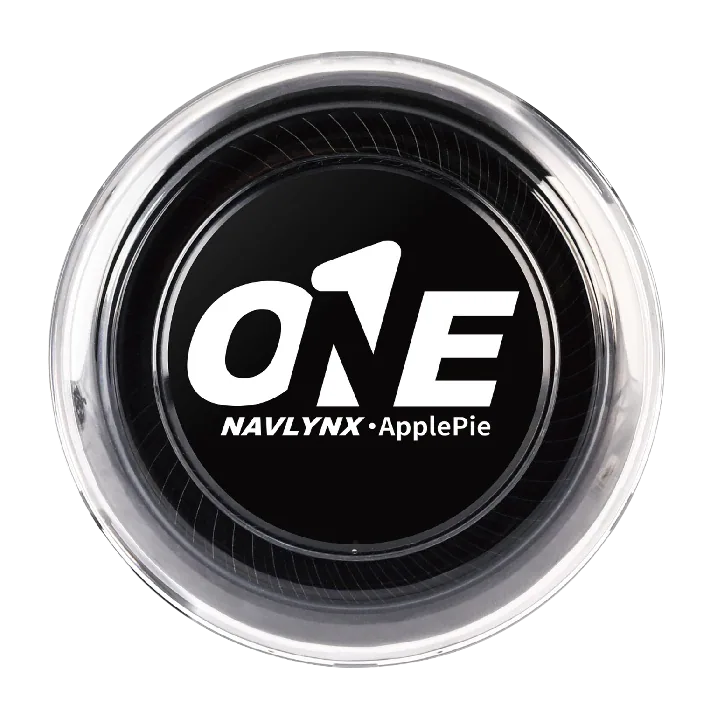
ApplePie ONE
ApplePie ONEFor compatible factory wired CarPlay, factory wireless CarPlay, or factory wired Android Auto systems that need an Android 16 all-in-one platform.3-in-1 factory connection support · Wired CarPlay + wireless CarPlay + wired Android Auto · Android 16
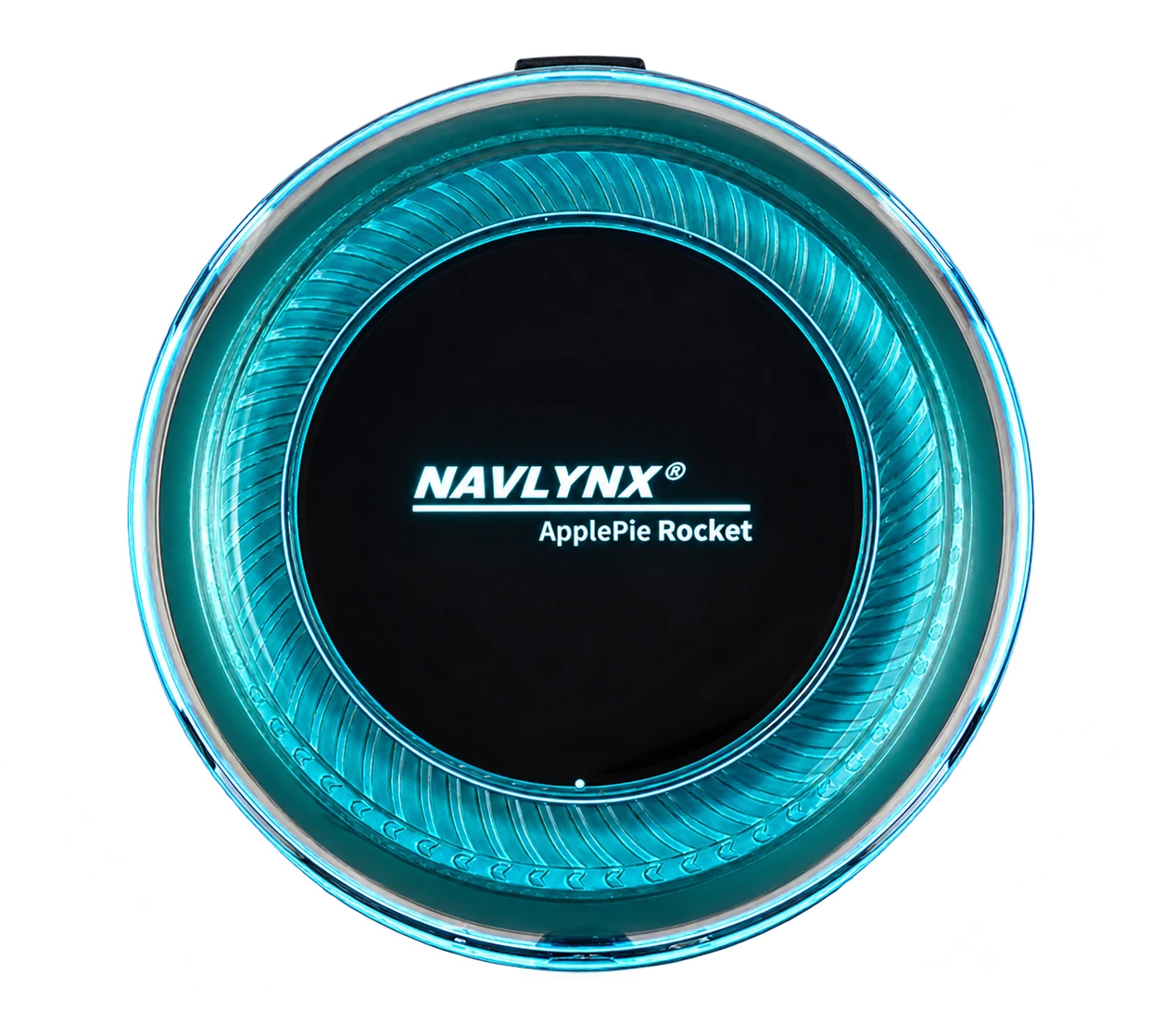
ApplePie Rocket
ApplePie RocketFor users who prioritize high-speed connectivity and next-generation network performance.Factory wired CarPlay input · Android 13 (no further major OS upgrade) · 5G SIM support
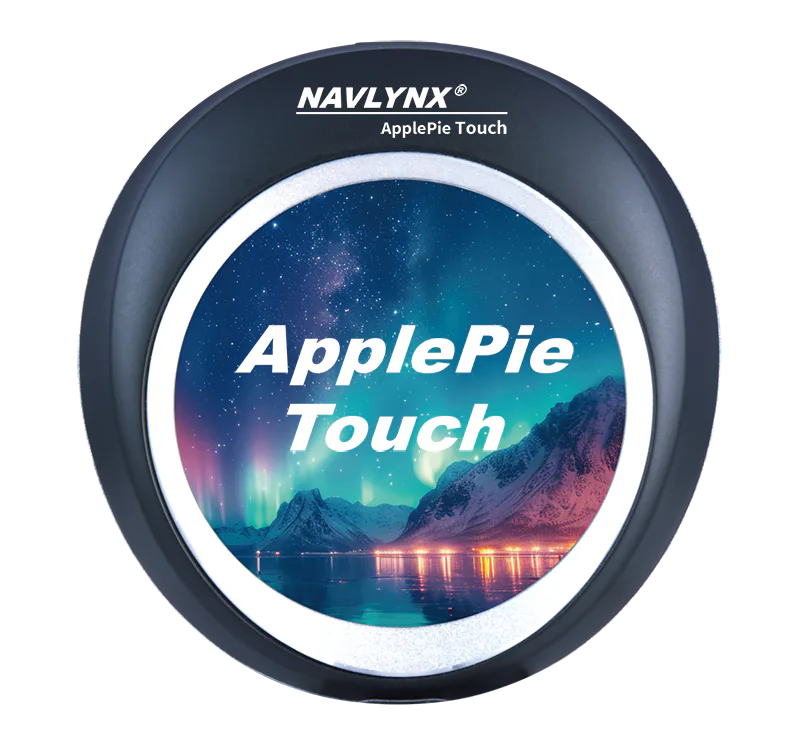
ApplePie Touch
ApplePie TouchFor multi-screen cabins, HDMI expansion, and direct touch control from the device.3-in-1 factory connection support · Wired CarPlay + wireless CarPlay + wired Android Auto · 2.1-inch touch display
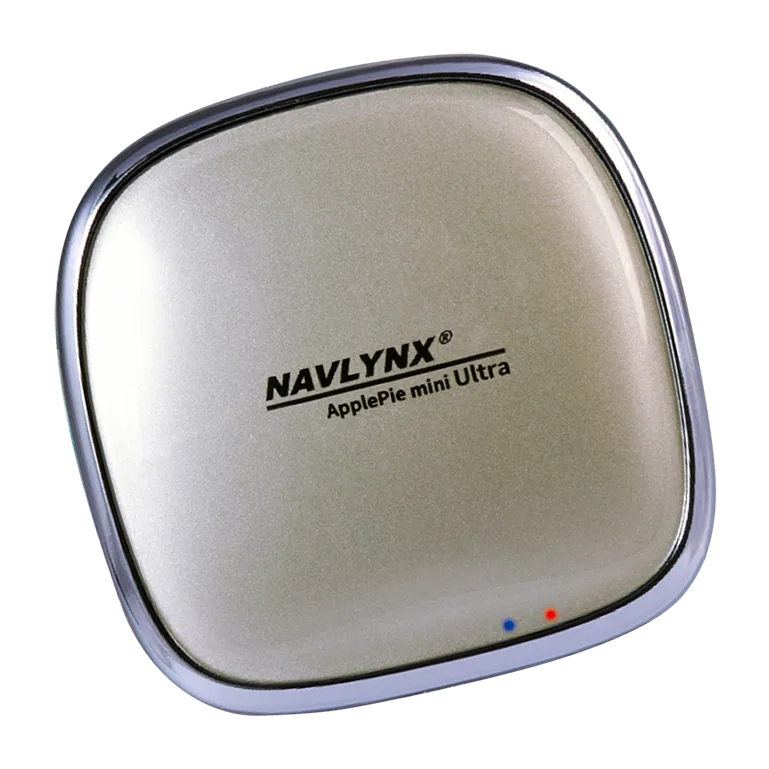
ApplePie mini Ultra II
ApplePie mini Ultra IIFor compact installs where refined hardware and navigation precision matter.Factory wired CarPlay input · Android 16 · Qualcomm platform
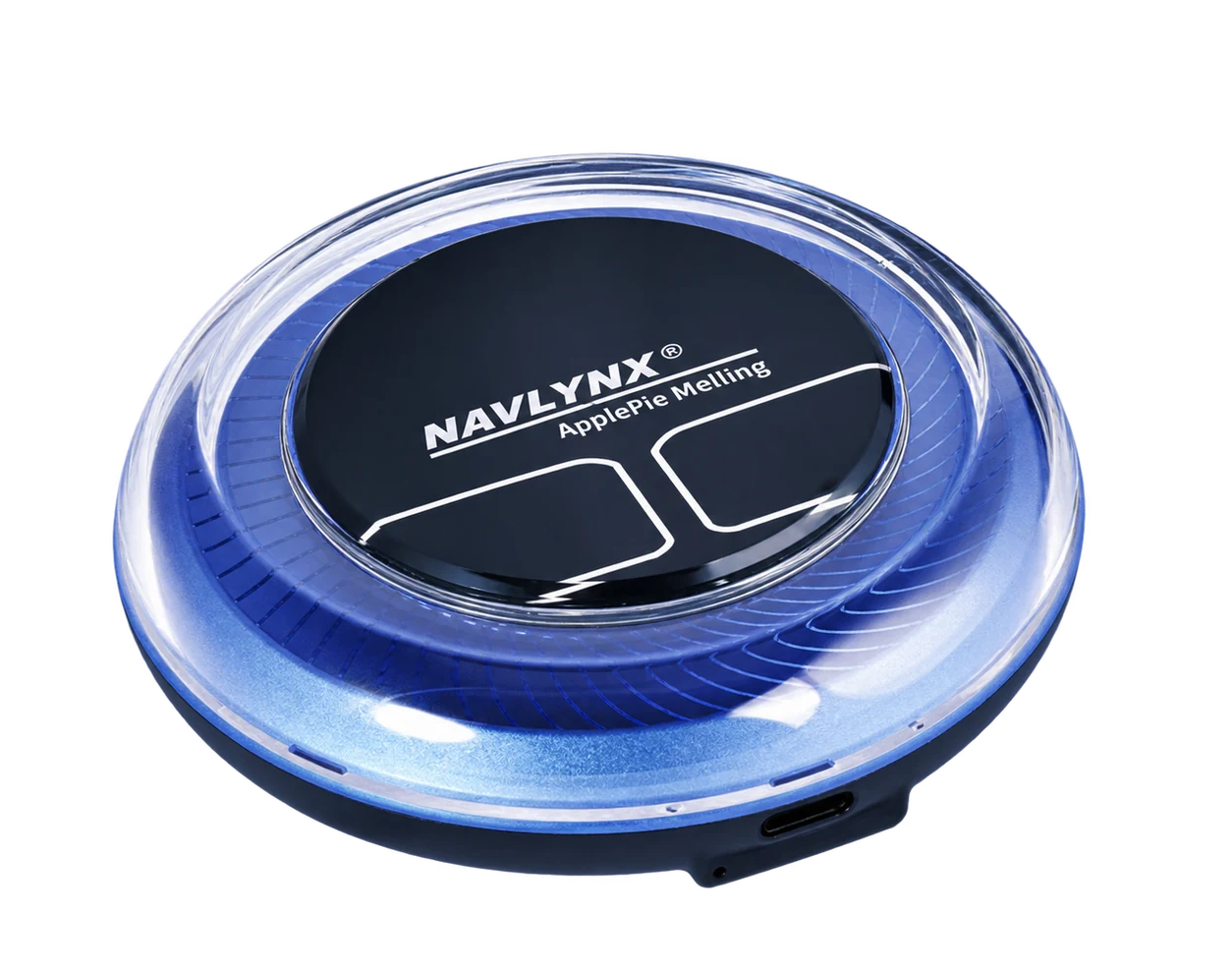
ApplePie Melling
ApplePie MellingDesigned for BMW iDrive heritage and broader wireless CarPlay vehicle scenarios.Factory wireless CarPlay input · Android 16 · Qualcomm platform

Safe and compatible use

Use vehicle displays responsibly.

Availability of apps and display functions does not mean they are permitted while driving. Follow product instructions, local traffic laws and the vehicle manufacturer's guidance. Passenger entertainment features should be used only where safe and permitted.