
 Global
NAVLYNX CarPlay AI Boxes for Compatible Factory Displays
Connection requirements vary by model. Confirm your factory CarPlay or Android Auto connection; Tesla models require a compatible built-in browser.

Showing banner 1 of 5: A smarter voice for every journey.
Product finder
Start with your car. Then choose how you connect.
Product line
ApplePie models for CarPlay and Tesla upgrade paths.
From all-in-one CarPlay performance to a dedicated Tesla browser-based Android platform, 5G connectivity, touch-screen control, and compact installs, NAVLYNX gives global partners a focused lineup that is easy to position, compare, and recommend.
Product finder
Find the right ApplePie model.
Select one or more requirements. Results update immediately and can be combined.
9matching models
Processor platform / Android version
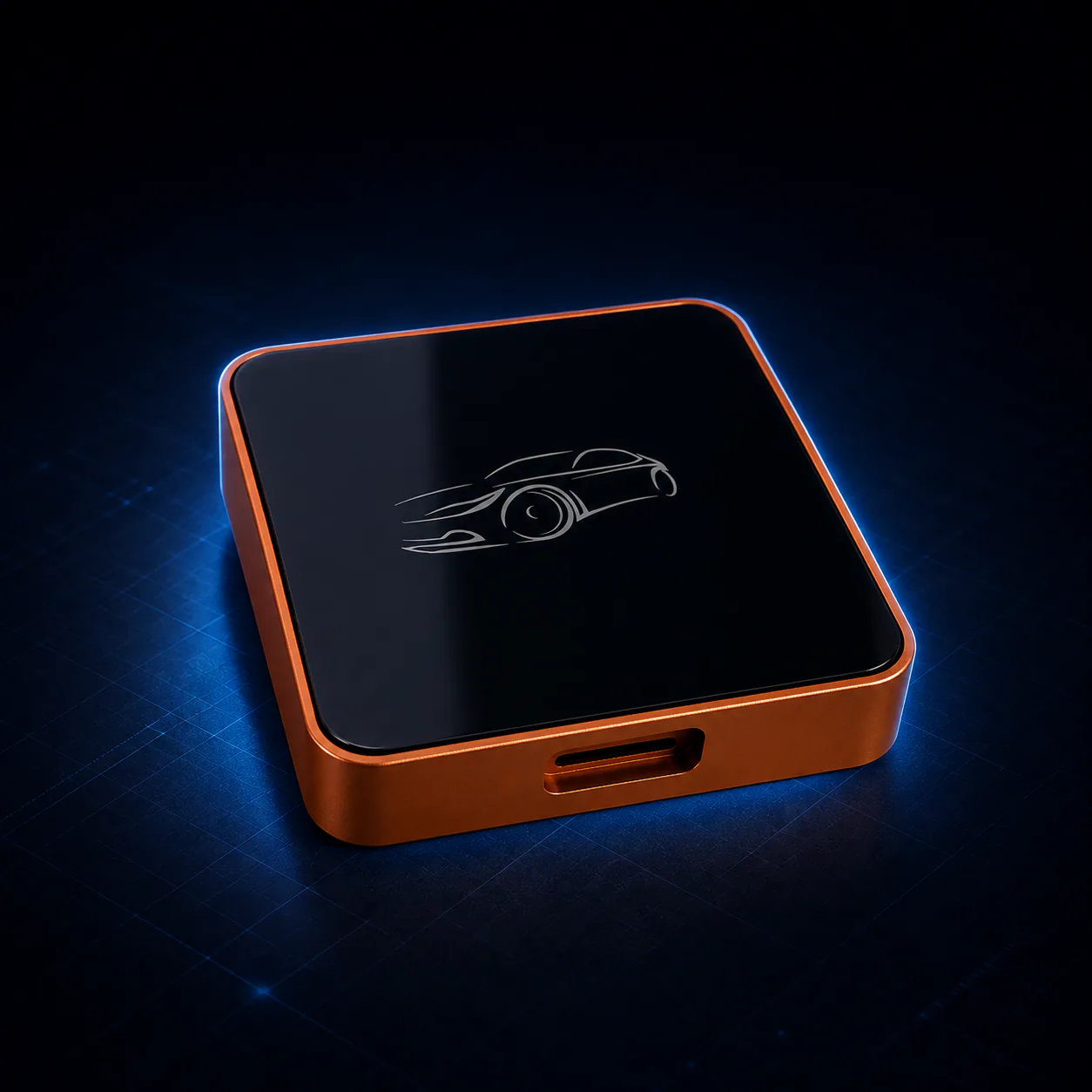
Android 13 RK3562 three-in-one Wi-Fi model
ApplePie One Lite
For vehicles with factory wired CarPlay, wireless CarPlay, or wired Android Auto that need an adaptive Android expansion without a cellular modem.- Factory vehicle connection
- Factory wired Apple CarPlayFactory wireless Apple CarPlayFactory wired Android Auto
- Android version
- Android 13
- Network configuration
- Wi-Fi only / no SIM
Full specifications
- Android 13
- Rockchip RK3562
- 1 TOPS NPU
- Three adaptive factory input modes
- Automatic connection detection
- Local voice AI framework
- Now in mass production
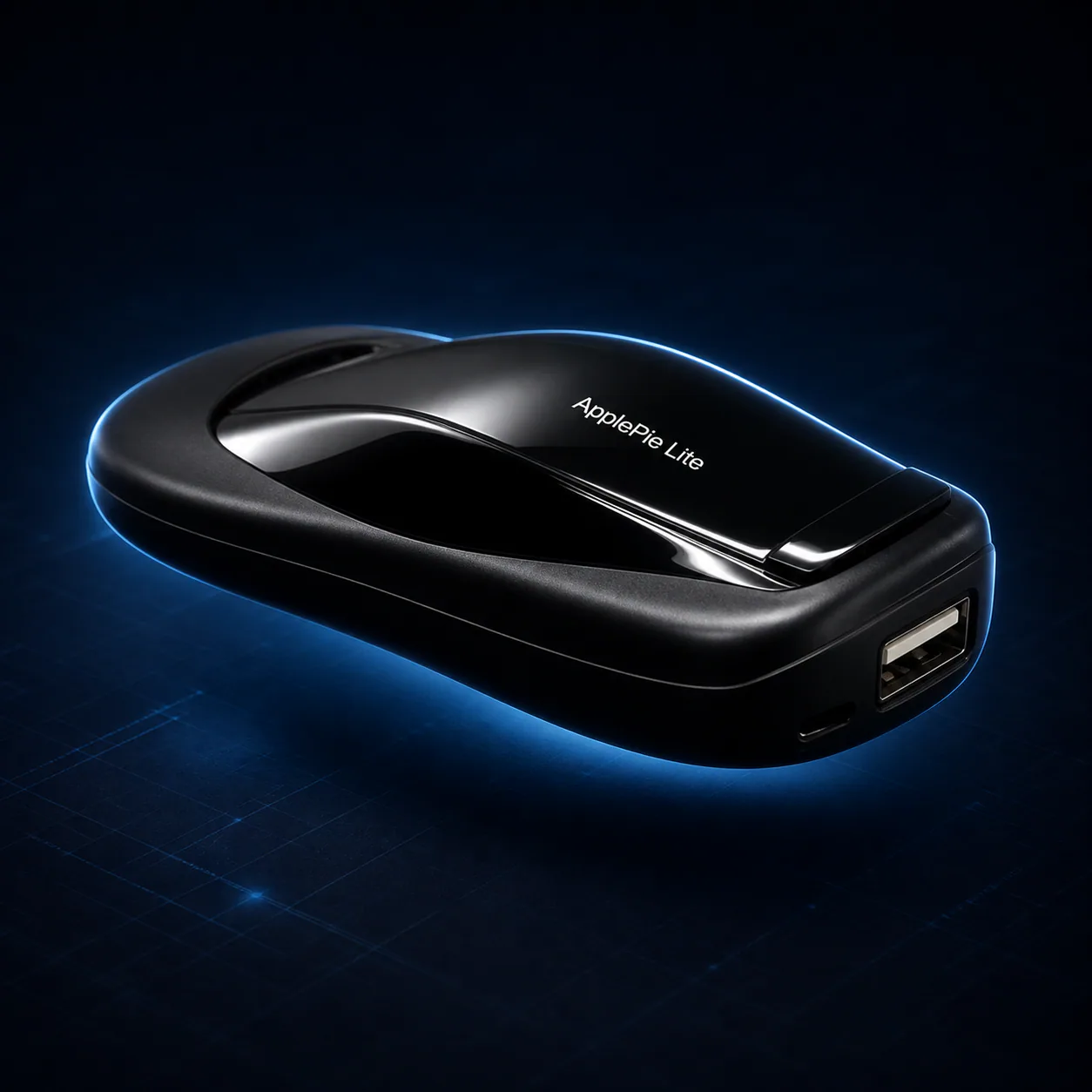
Android 13 Wi-Fi-only RK3562 model
ApplePie Lite
For vehicles with factory wired CarPlay or wired Android Auto that need a compact Android expansion without a mobile-data modem.- Factory vehicle connection
- Factory wired Apple CarPlayFactory wired Android Auto
- Android version
- Android 13
- Network configuration
- Wi-Fi only / no SIM
Full specifications
- Android 13
- Rockchip RK3562
- 1 TOPS NPU
- Wi-Fi only / no SIM
- Wired CarPlay input
- Wired Android Auto input
- Local voice AI framework
- Now in mass production
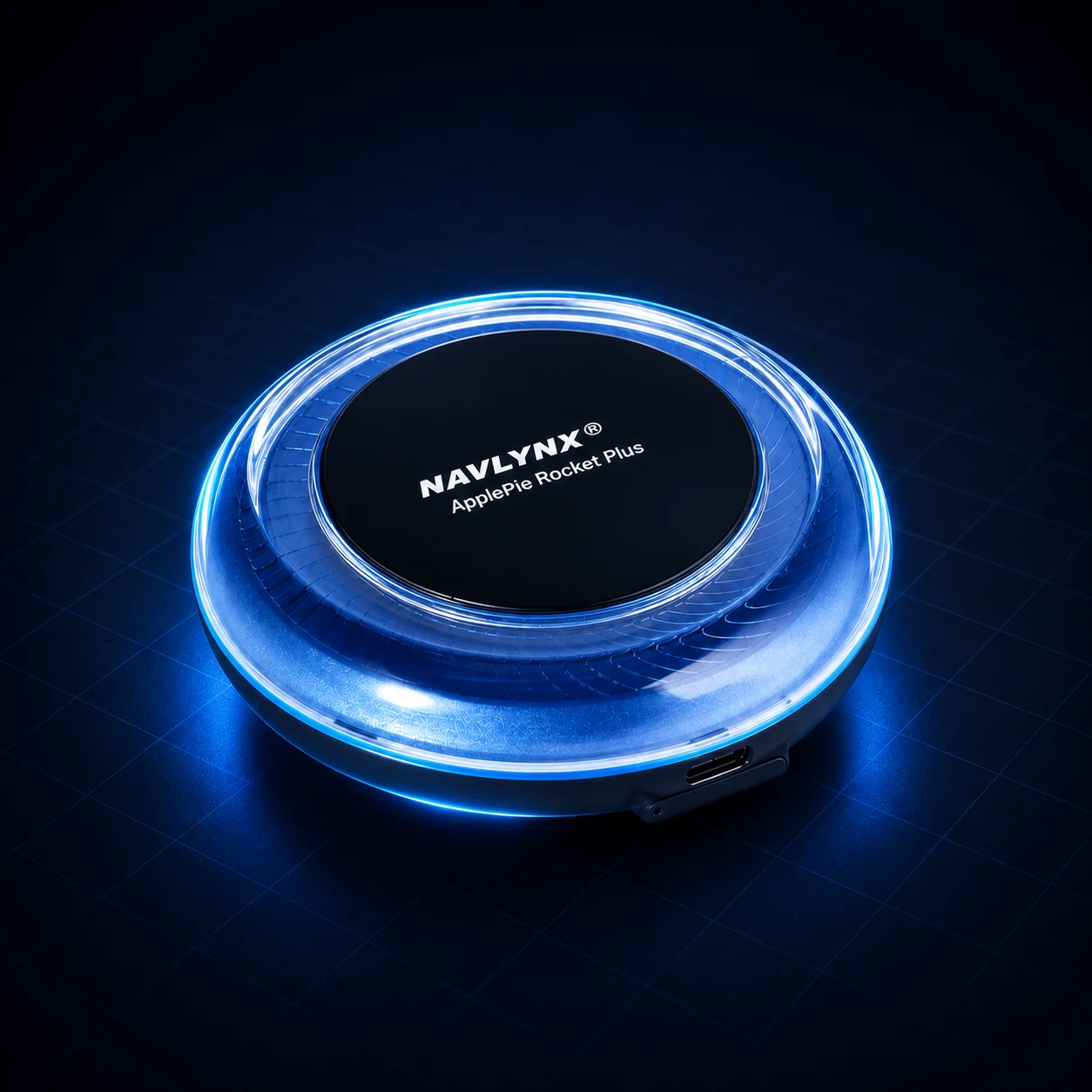
Android 16 5G performance model
ApplePie Rocket Plus
A 3-in-1 Android 16 platform for compatible factory wired CarPlay, factory wireless CarPlay, or factory wired Android Auto systems.The Bluetooth Air Mouse is optional, sold separately, and not included with the box. It is mainly for older systems without touch control; most touchscreen systems do not need it.
- Factory vehicle connection
- Factory wired Apple CarPlayFactory wireless Apple CarPlayFactory wired Android Auto
- Android version
- Android 16
- Network configuration
- Wi-Fi + 5G
Full specifications
- 3-in-1 factory connection support
- Wired CarPlay + wireless CarPlay + wired Android Auto
- Android 16
- Snapdragon 690 5G
- 8 GB + 128 GB
- L1 + L5 dual-band GNSS
- HDMI output
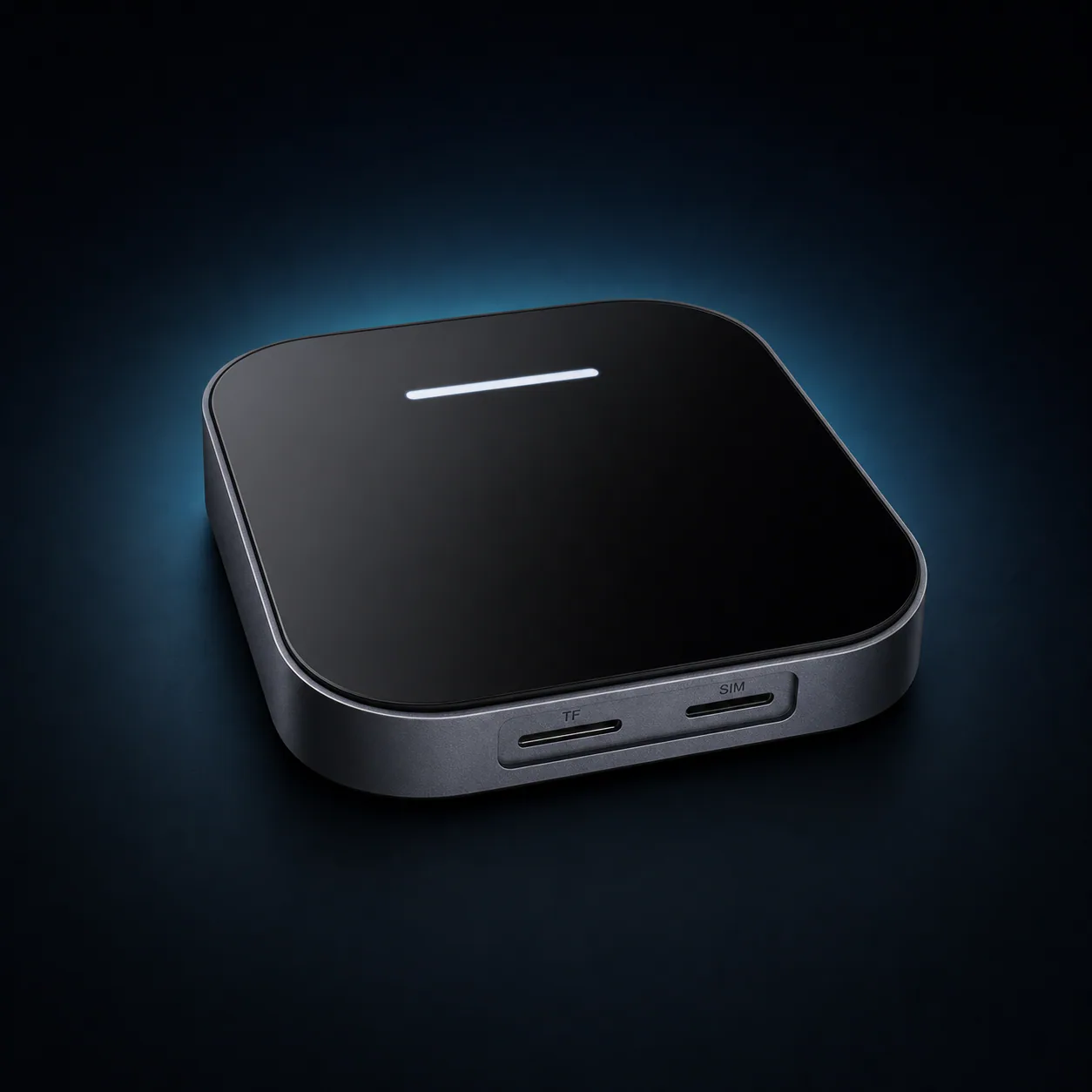
Tesla-specific Android 13 platform
ApplePie Tesla Android Box
For compatible Tesla vehicles whose built-in browser remains available while driving. An Android 16 update is planned.- Factory vehicle connection
- Tesla built-in browser
- Android version
- Android 16 update planned; currently Android 13
- Network configuration
- Wi-Fi + 4G
Full specifications
- Android 13 now
- Android 16 update planned
- Qualcomm 8-core platform
- 8 GB + 128 GB
- Dual Wi-Fi + dual Bluetooth
- 4G mobile network
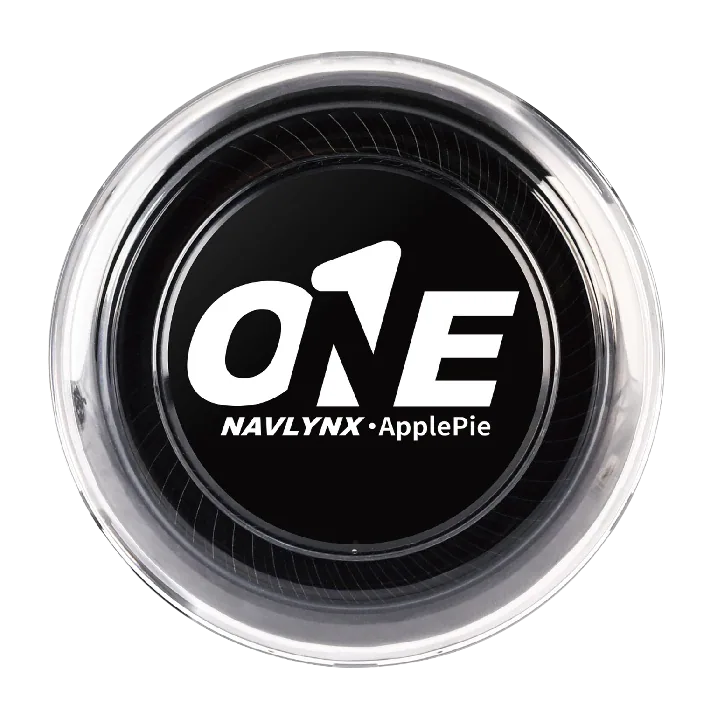
Android 16 all-in-one flagship
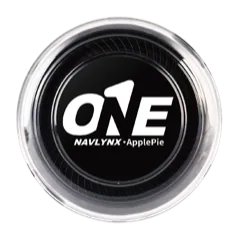
ApplePie ONE
For compatible factory wired CarPlay, factory wireless CarPlay, or factory wired Android Auto systems that need an Android 16 all-in-one platform.- Factory vehicle connection
- Factory wired Apple CarPlayFactory wireless Apple CarPlayFactory wired Android Auto
- Android version
- Android 16
- Network configuration
- Wi-Fi + 4G
Full specifications
- 3-in-1 factory connection support
- Wired CarPlay + wireless CarPlay + wired Android Auto
- Android 16
- Qualcomm platform
- 4G mobile network
- Dual Wi-Fi
- HDMI output
- Dual-screen display
- OTA updates
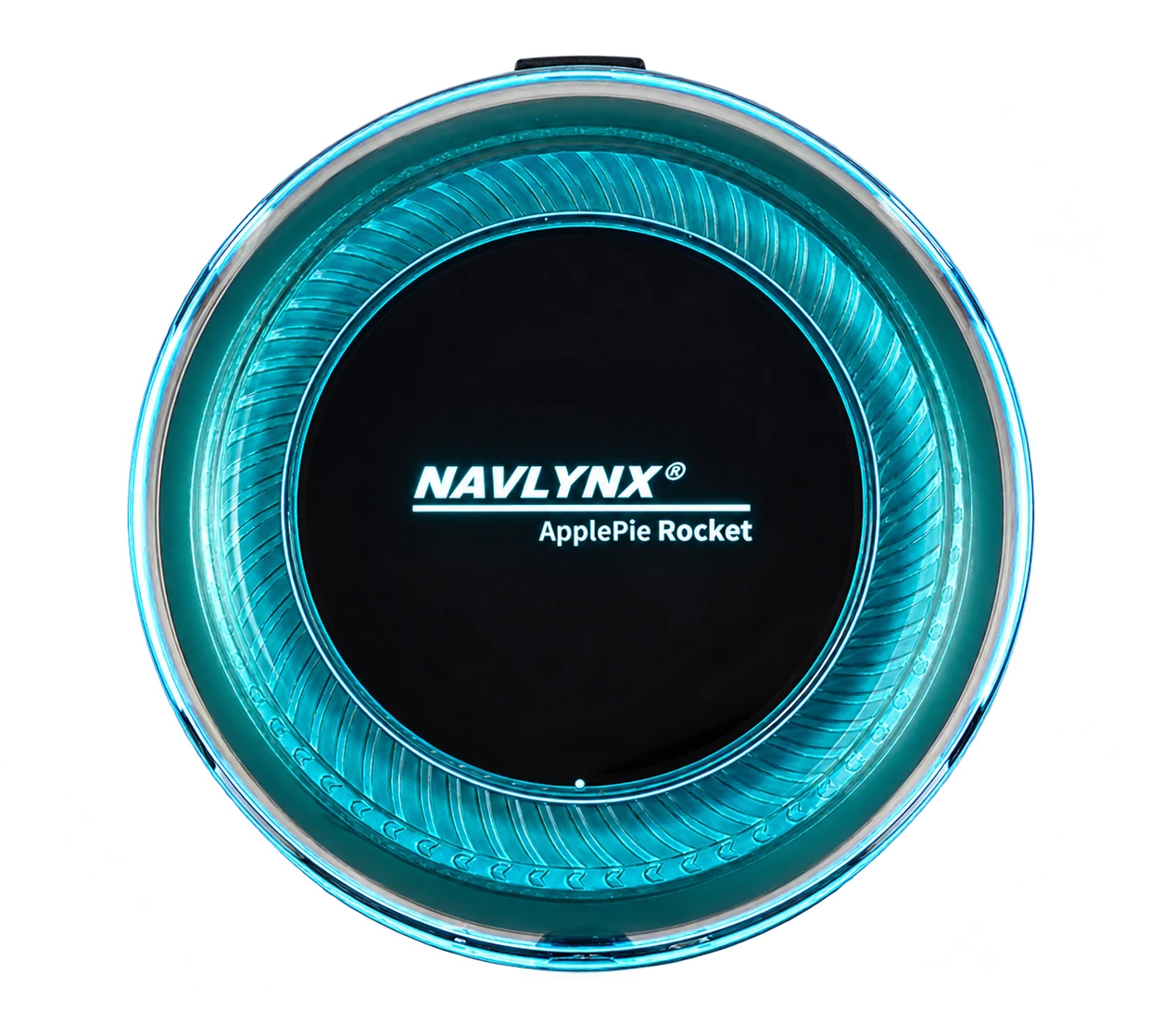
Android 13 performance 5G model
ApplePie Rocket
For users who prioritize high-speed connectivity and next-generation network performance.The Bluetooth Air Mouse is optional, sold separately, and not included with the box. It is mainly for older systems without touch control; most touchscreen systems do not need it.
- Factory vehicle connection
- Factory wired Apple CarPlay
- Android version
- Android 13; no further major OS upgrade
- Network configuration
- Wi-Fi + 5G
Full specifications
- Factory wired CarPlay input
- Android 13 (no further major OS upgrade)
- 5G SIM support
- Wi-Fi 6E
- Qualcomm platform
- GNSS positioning
- HDMI output
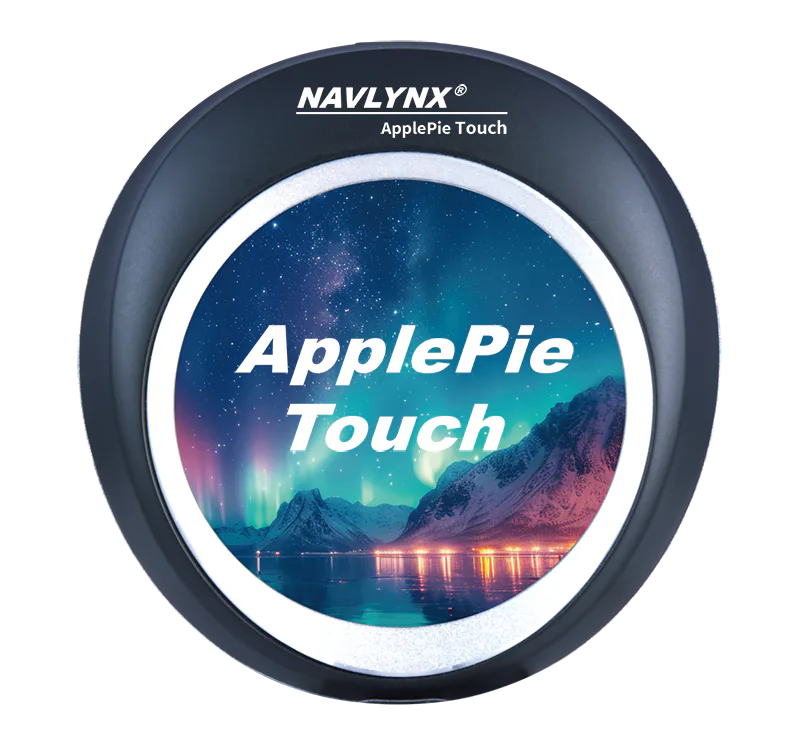
Android 16 interactive display model
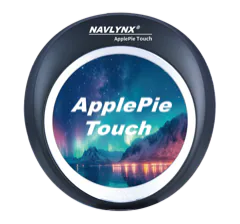
ApplePie Touch
For multi-screen cabins, HDMI expansion, and direct touch control from the device.- Factory vehicle connection
- Factory wired Apple CarPlayFactory wireless Apple CarPlayFactory wired Android Auto
- Android version
- Android 16
- Network configuration
- Wi-Fi + 4G
Full specifications
- 3-in-1 factory connection support
- Wired CarPlay + wireless CarPlay + wired Android Auto
- 2.1-inch touch display
- Android 16
- Qualcomm platform
- 4G mobile network
- Multi-screen interaction
- HDMI output
- OTA updates
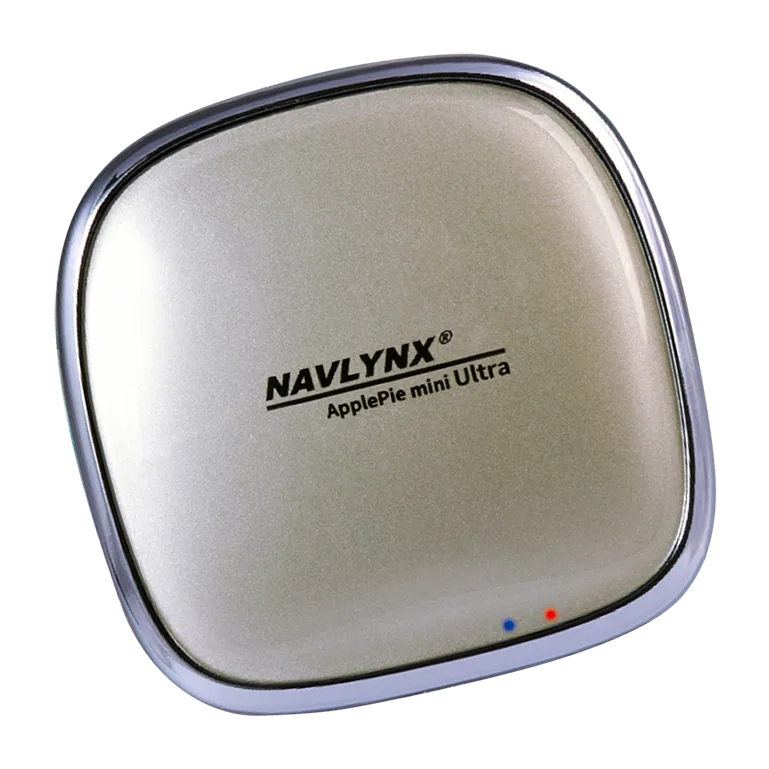
Android 16 compact performance model
ApplePie mini Ultra II
For compact installs where refined hardware and navigation precision matter.- Factory vehicle connection
- Factory wired Apple CarPlay
- Android version
- Android 16
- Network configuration
- Wi-Fi + 4G
Full specifications
- Factory wired CarPlay input
- Android 16
- Qualcomm platform
- 4G mobile network
- Compact design
- Dual-frequency GPS
- OTA updates
Android 16 wireless CarPlay-focused model
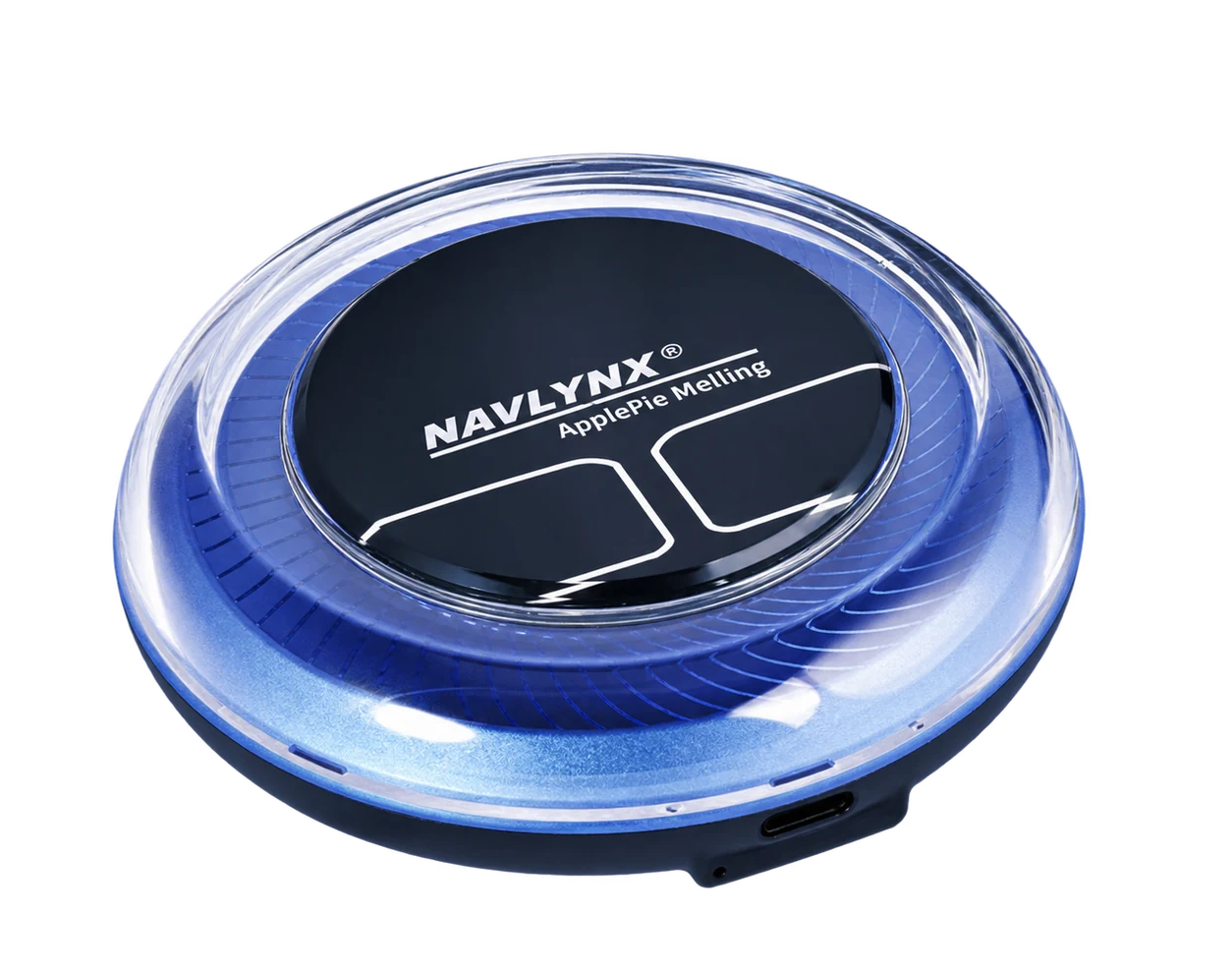
ApplePie Melling
Designed for BMW iDrive heritage and broader wireless CarPlay vehicle scenarios.The Bluetooth Air Mouse is optional, sold separately, and not included with the box. It is mainly for older systems without touch control; most touchscreen systems do not need it.
- Factory vehicle connection
- Factory wireless Apple CarPlay
- Android version
- Android 16
- Network configuration
- Wi-Fi + 4G
Full specifications
- Factory wireless CarPlay input
- Android 16
- Qualcomm platform
- 4G mobile network + Wi-Fi
- Dual Wi-Fi
- HDMI output
- Original controls support
Product roadmap
From Android 13 foundations to Android 16.
Android 13→Android 14→Android 16
2023 · 13 eraRocketAndroid 13 / final2024 · 14 era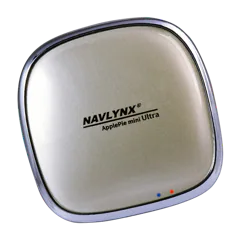 mini Ultra IINow Android 162024 · 14 eraMellingNow Android 162025 · 14 era
 TouchNow Android 162026 · 16 era
 ONEAndroid 162026 · 16 era
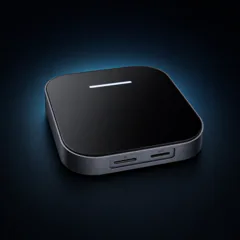 Tesla Box13 → 16 planned2026 · 16 era
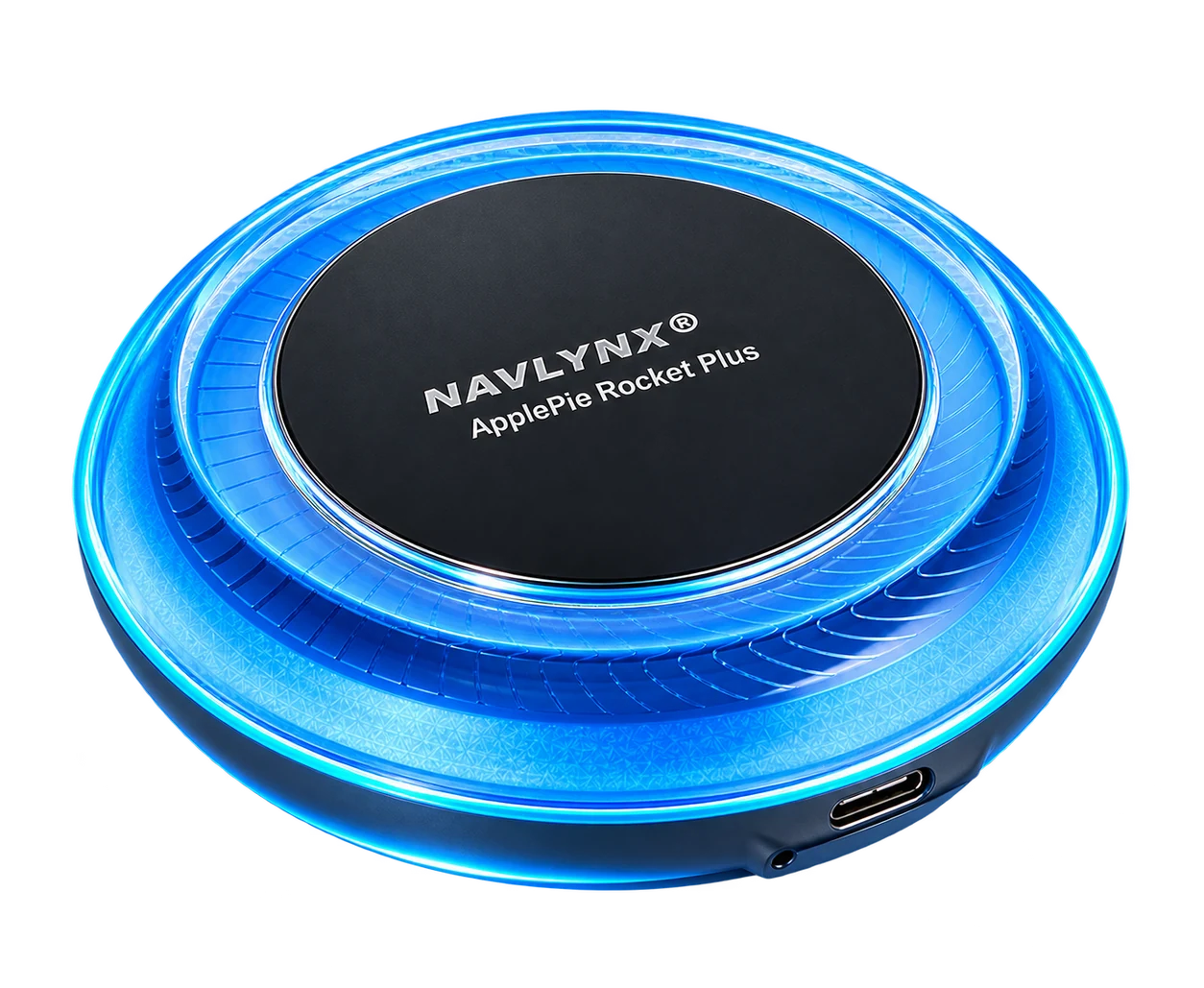 Rocket PlusAndroid 162026 · RK3562
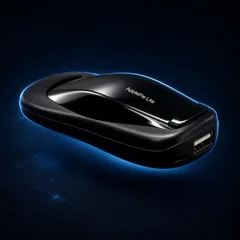 ApplePie LiteAndroid 13 / shipping2026 · RK3562
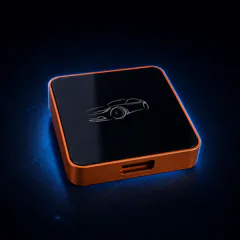 One LiteAndroid 13 / shipping
RocketAndroid 13 / final2024 · 14 eramini Ultra IINow Android 162024 · 14 eraMellingNow Android 162025 · 14 eraTouchNow Android 162026 · 16 eraONEAndroid 162026 · 16 eraTesla Box13 → 16 planned2026 · 16 eraRocket PlusAndroid 162026 · RK3562ApplePie LiteAndroid 13 / shipping2026 · RK3562One LiteAndroid 13 / shippingEra labels show the platform journey; OS labels show each product's current software position.
Android 16 / 13Modern ApplePie systems
HDMI + Dual DisplaySelected models
5G / Wi-Fi 6ERocket performance tier
Global Vehicle FitCompatibility varies by system
New product / Now in mass production
ApplePie One Lite
A three-in-one, Wi-Fi-only Android Box built on Rockchip RK3562. ApplePie One Lite automatically adapts to compatible factory wired CarPlay, wireless CarPlay, or wired Android Auto, then delivers its Android video and audio through the original vehicle display and sound system.
Adaptive three-in-one access
One box. Three factory connection paths. No manual mode switch.
Rockchip RK3562Quad-core Cortex-A53 platform with a 1 TOPS NPU for on-device AI workloads.
Android 13A current Android environment for apps, media, navigation, and phone projection.
Automatic connection detectionThe system detects the available factory connection automatically; no manual input-mode switch is required.
Wi-Fi onlyInternet access through a phone hotspot or another Wi-Fi network; no cellular modem
Wired CarPlayWireless CarPlayWired Android Auto
- Compatible with factory wired CarPlay, wireless CarPlay, and wired Android Auto.
- Android video and audio use the original vehicle display and sound system.
- The 1 TOPS NPU provides local compute capacity for supported on-device AI inference.
- Production hardware is available for product promotion and commercial orders.
ApplePie One Lite requires a compatible factory wired CarPlay, wireless CarPlay, or wired Android Auto connection. Availability of controls, audio behavior, display output, apps, and automatic connection detection can vary by vehicle, head unit, firmware, region, and supplied configuration. Confirm compatibility before ordering.
New product / Now in mass production
ApplePie Lite
Add an Android 13 environment to a compatible factory display through wired CarPlay or wired Android Auto. ApplePie Lite sends Android video and audio through the original vehicle connection path, with Wi-Fi connectivity and no SIM card or mobile-data modem.
Balanced RK3562 platform
A newer entry platform without the entry-level feel.
Rockchip RK3562Quad-core Cortex-A53, up to around 2.0 GHz
Android 13Newer than the compared A133 Android 10 and H618 Android 11 configurations
Mali-G52 class GPUMore graphics headroom for Android UI, maps, media, and app transitions
Wi-Fi onlyInternet access through a phone hotspot or another Wi-Fi network; no cellular modem
1 TOPS NPULocal compute capacity for supported on-device AI inference workloads
Local voice AI frameworkDesigned to load selected speech and audio inference models
- Two factory input paths: connects through compatible wired CarPlay or wired Android Auto.
- Original display and audio: presents the box's Android video and sound through the vehicle system.
- Production ready: the wired-input ApplePie Lite platform is in mass production.
- Two finished enclosures: a NAVLYNX car-shaped edition and a compact unbranded white-label edition.
- A 1 TOPS NPU supports selected local voice AI inference workloads.
NAVLYNX brand edition
ApplePie Lite
Distinctive car-inspired enclosure with ApplePie Lite branding for the NAVLYNX product line.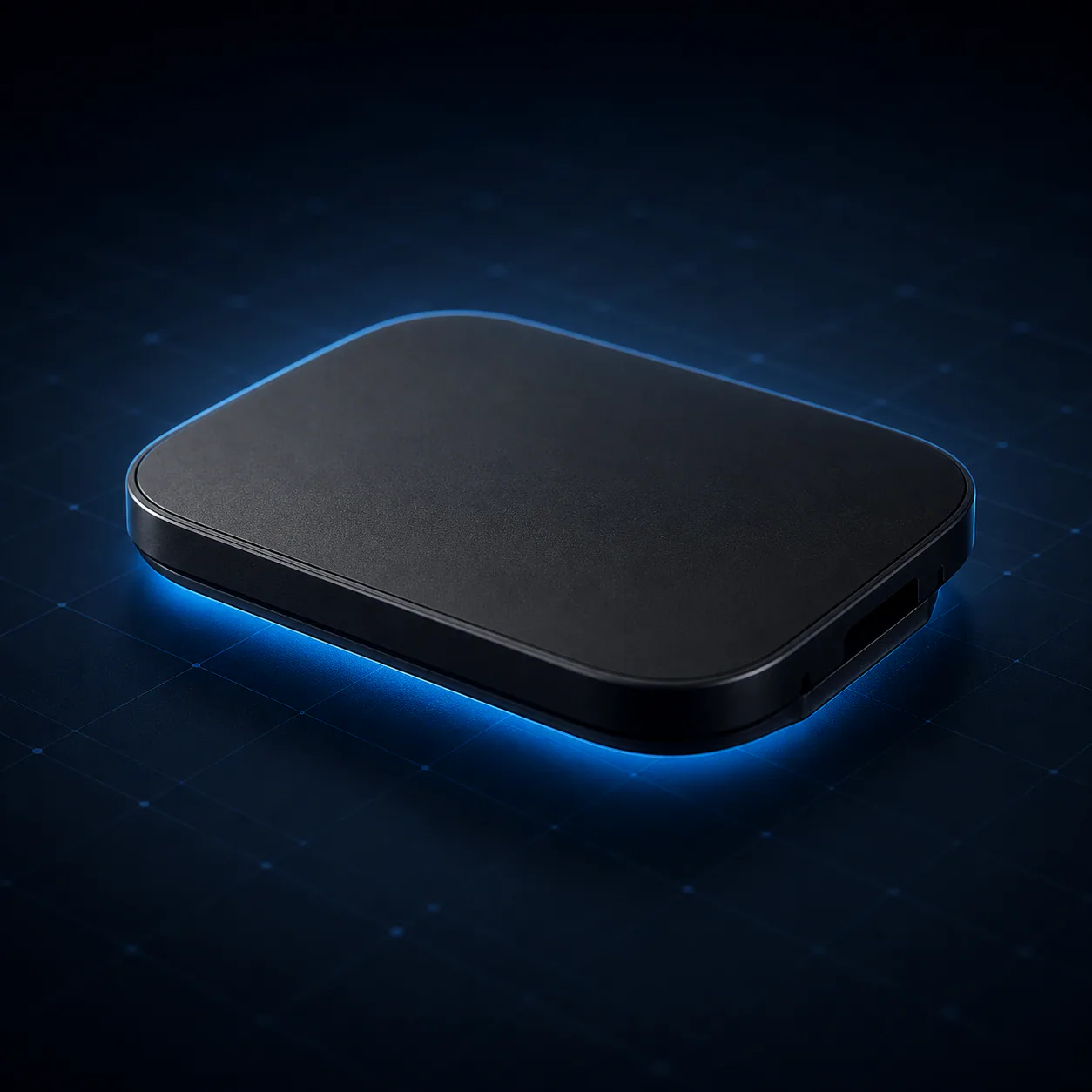
OEM / ODM white-label edition
Compact unbranded enclosure
A thin, rounded-rectangle housing without a logo, prepared for export factories, distributors, and trading partners.Platform comparison
Why RK3562 is the stronger balanced choice.
Figures describe the compared project configurations and typical platform specifications; final performance varies by memory, storage, firmware optimization, thermal design, and application workload.
PlatformRK3562A133H618
Android versionAndroid 13Android 10Android 11
CPU4× Cortex-A53, up to ~2.0 GHz4× Cortex-A53, ~1.5-1.6 GHz4× Cortex-A53, ~1.5 GHz class
GPUMali-G52 classPowerVR GE8300Mali-G31 MP2
Product fitEmbedded Android terminalCost-focused tablet platformMedia / TV box platform
Android 13 interface
A clear launcher for apps, media, navigation, and phone projection.
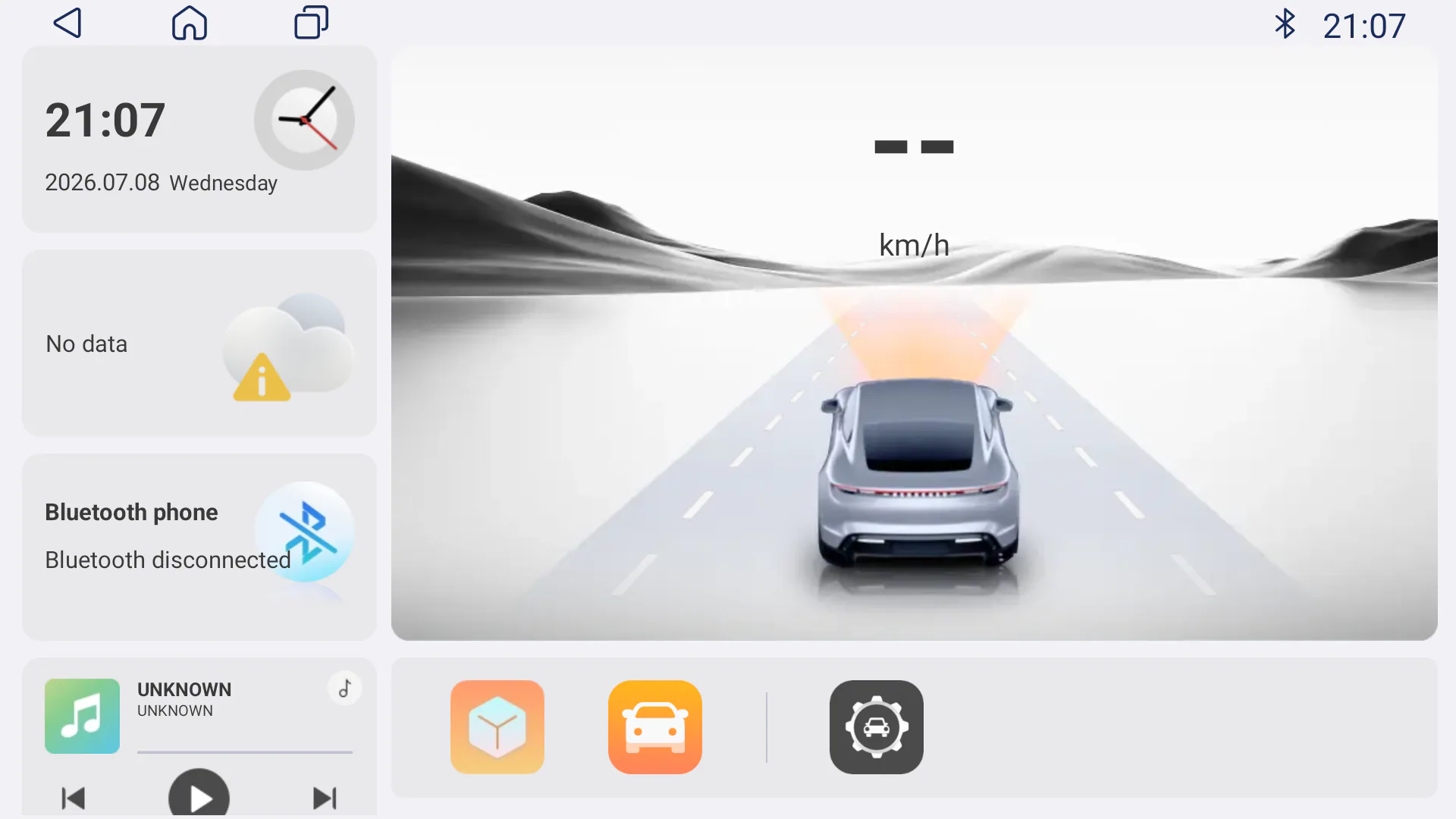
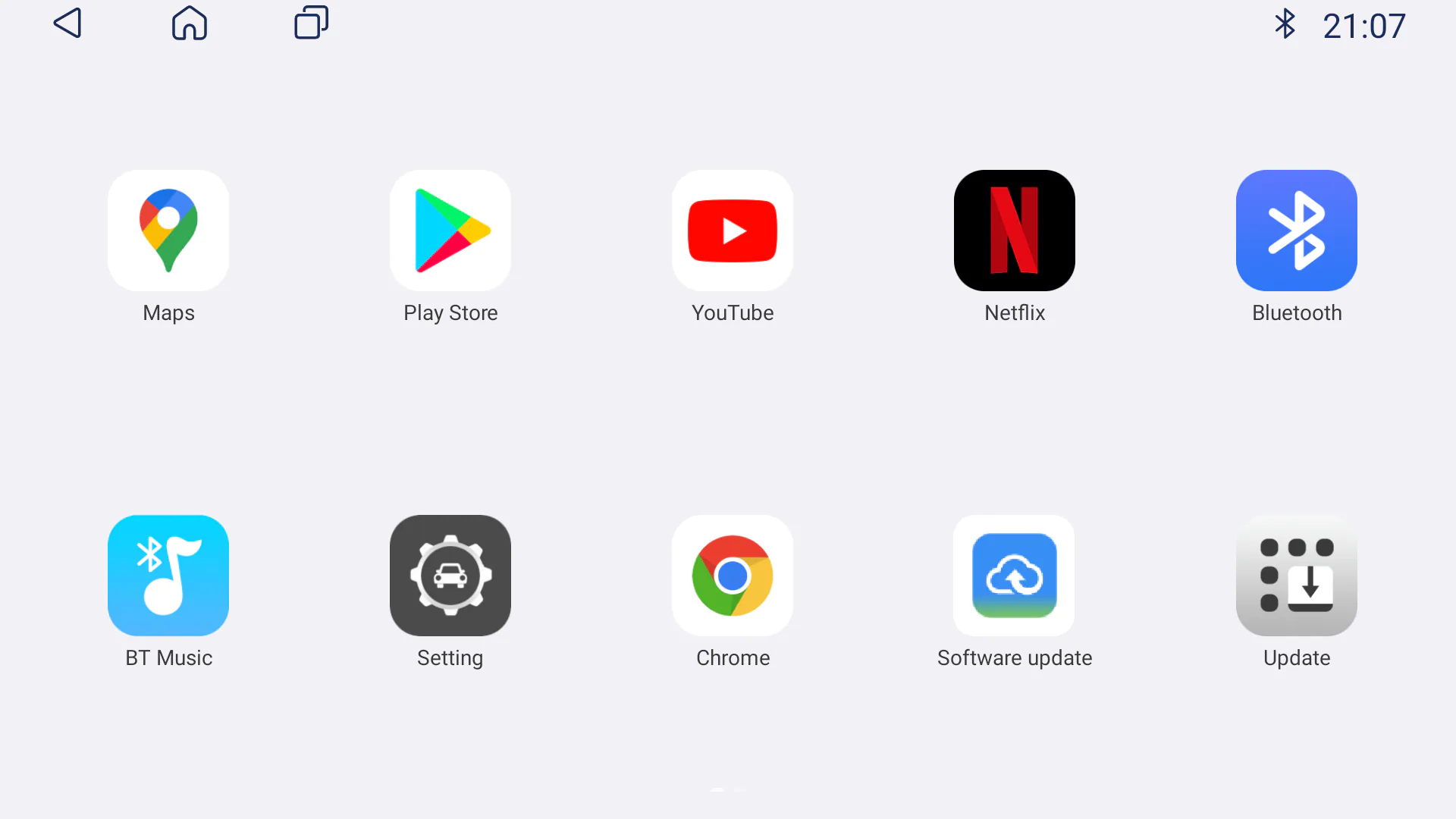
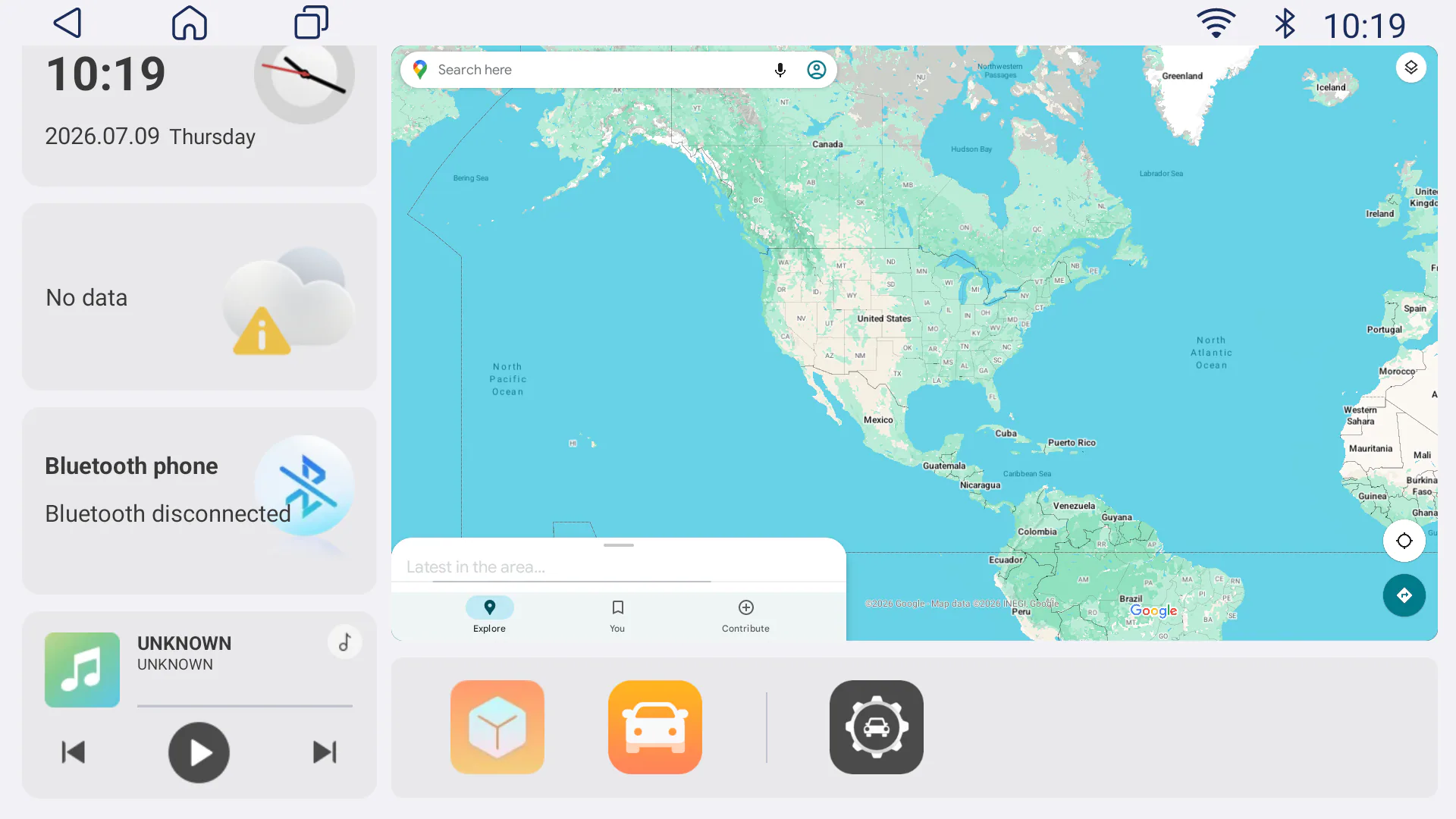
ApplePie Lite requires a compatible factory wired CarPlay or wired Android Auto data connection. Vehicle controls, audio behavior, display resolution, app availability, startup behavior, and compatibility vary by vehicle, head unit, firmware, region, and supplied configuration.
RK3562 on-device intelligence
1 TOPS NPU, ready for local voice AI.
ApplePie One Lite + ApplePie Lite
Across NAVLYNX RK3562 products, a local voice AI inference framework can load different ASR, streaming ASR, TTS, KWS, VAD, speaker recognition, language identification, enhancement, punctuation, and audio-tagging models.
Local processing can reduce dependency on cloud services for supported workloads. Final model availability and performance depend on the selected firmware, model package, language, memory configuration, acoustic environment, and project requirements.
New product / 5G performance
ApplePie Rocket Plus
Add a responsive Android 16 platform to a compatible vehicle through our 3-in-1 connection solution: factory wired Apple CarPlay, factory wireless Apple CarPlay, or factory wired Android Auto. Rocket Plus also provides 5G mobile data, dual-band positioning, and HDMI output.
Android 16Open Android application platform
8 GB + 128 GBuMCP memory and storage
Snapdragon 690 5GQualcomm SM6350 eight-core platform
5G SA / NSASub-6 GHz with 4G LTE fallback
- 3-in-1 factory connection support: works with compatible factory wired Apple CarPlay, factory wireless Apple CarPlay, or factory wired Android Auto systems.
- No wired CarPlay USB required for wireless vehicles: a compatible factory wireless CarPlay connection can be used without a wired Apple CarPlay USB port.
- Dual-band GNSS: supports GPS, GLONASS, and BeiDou with L1 + L5 platform capability for more reliable positioning.
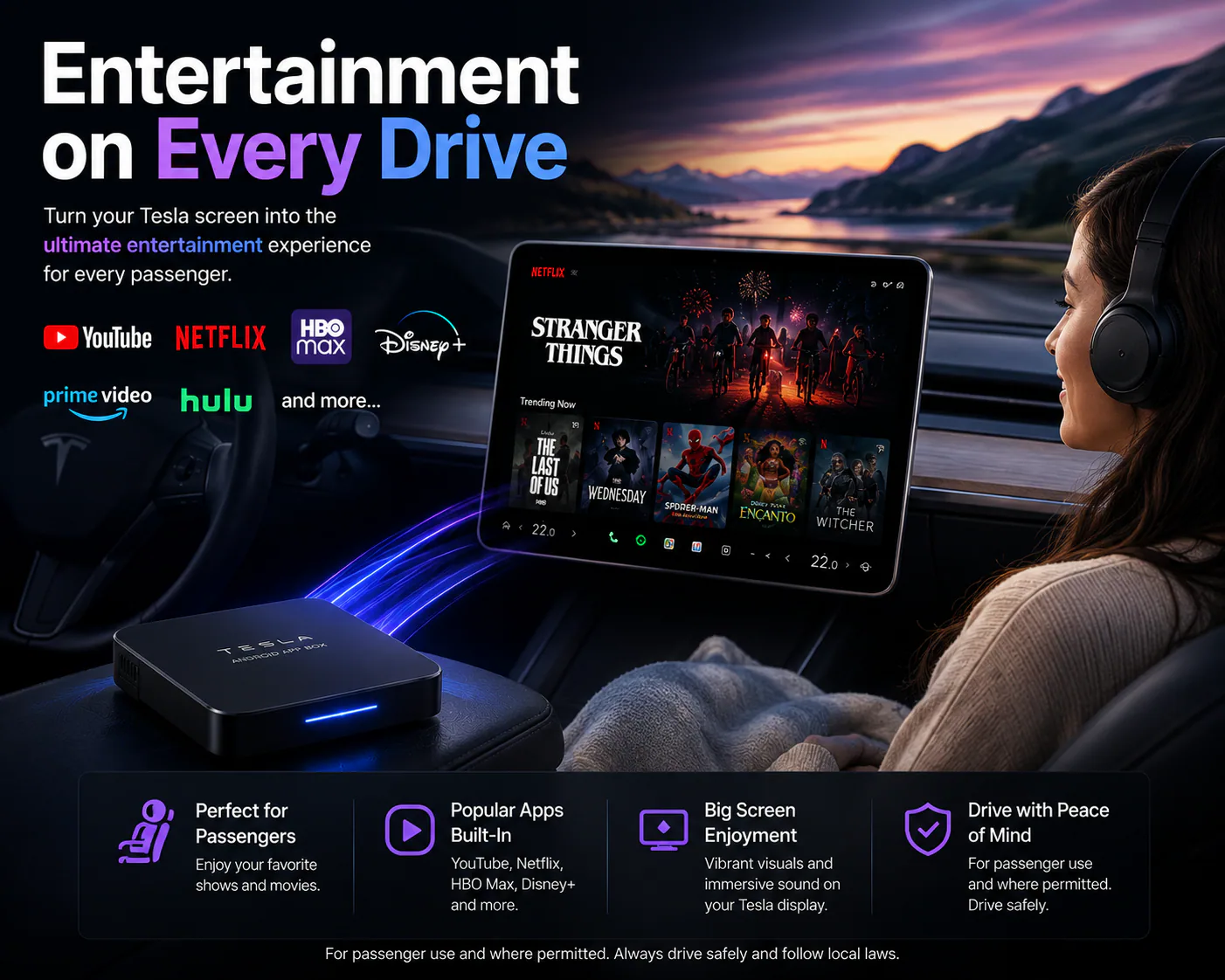
- HDMI expansion: connect a compatible rear-seat display for passenger entertainment where supported.
- Flexible connectivity: dual-band Wi-Fi, Bluetooth 5.x, SIM mobile data, OTA updates, and diagnostic log export.
The Bluetooth Air Mouse is optional, sold separately, and not included with the box. It is mainly for older systems without touch control; most touchscreen systems do not need it.
The available connection path depends on the vehicle's original infotainment system. Vehicle controls, display behavior, cellular bands, apps, HDMI operation, and wireless services vary by vehicle, firmware, sales region, carrier, and supplied product configuration. Confirm the exact vehicle and factory connection mode before ordering.
New product / Tesla platform
ApplePie Tesla Android Box
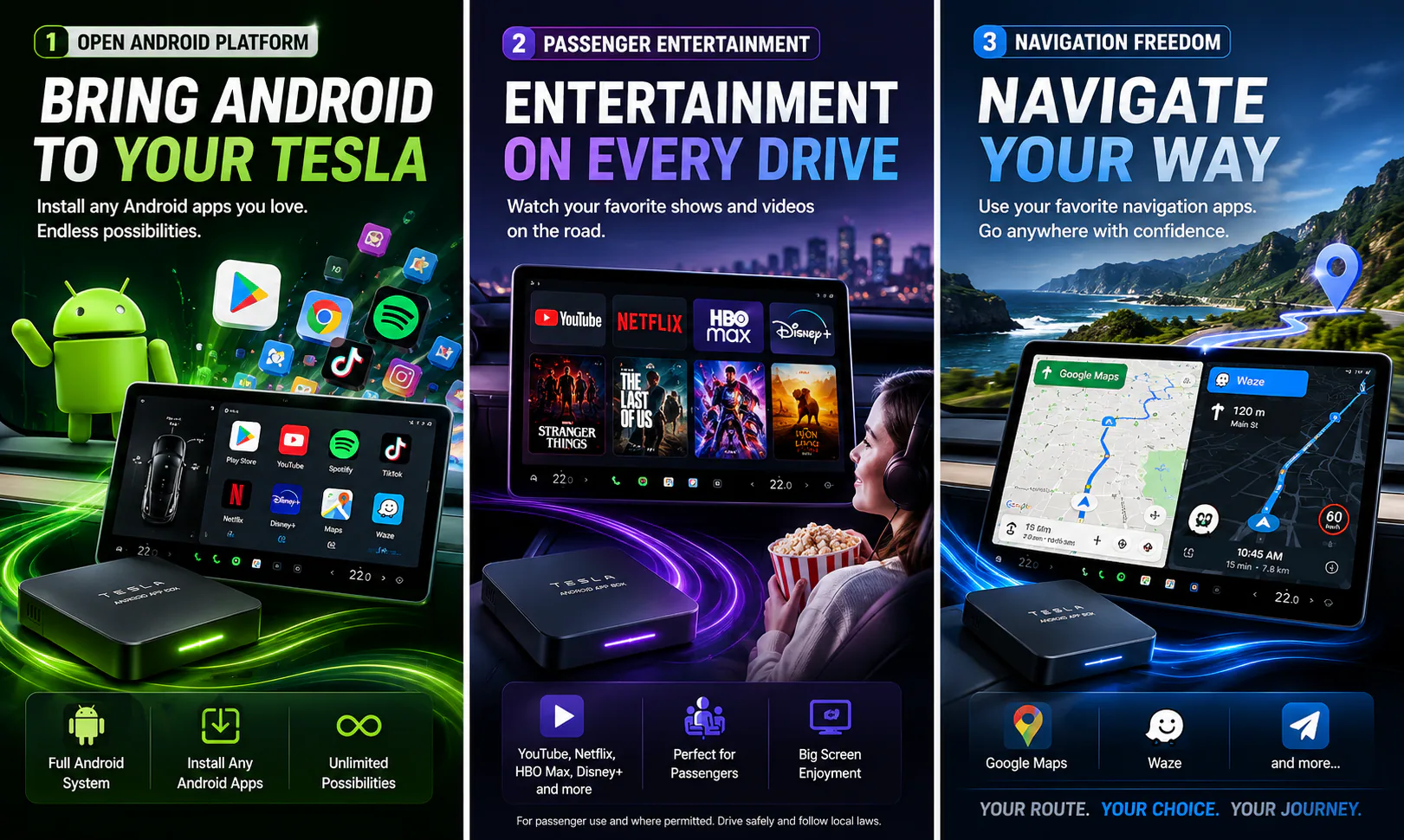
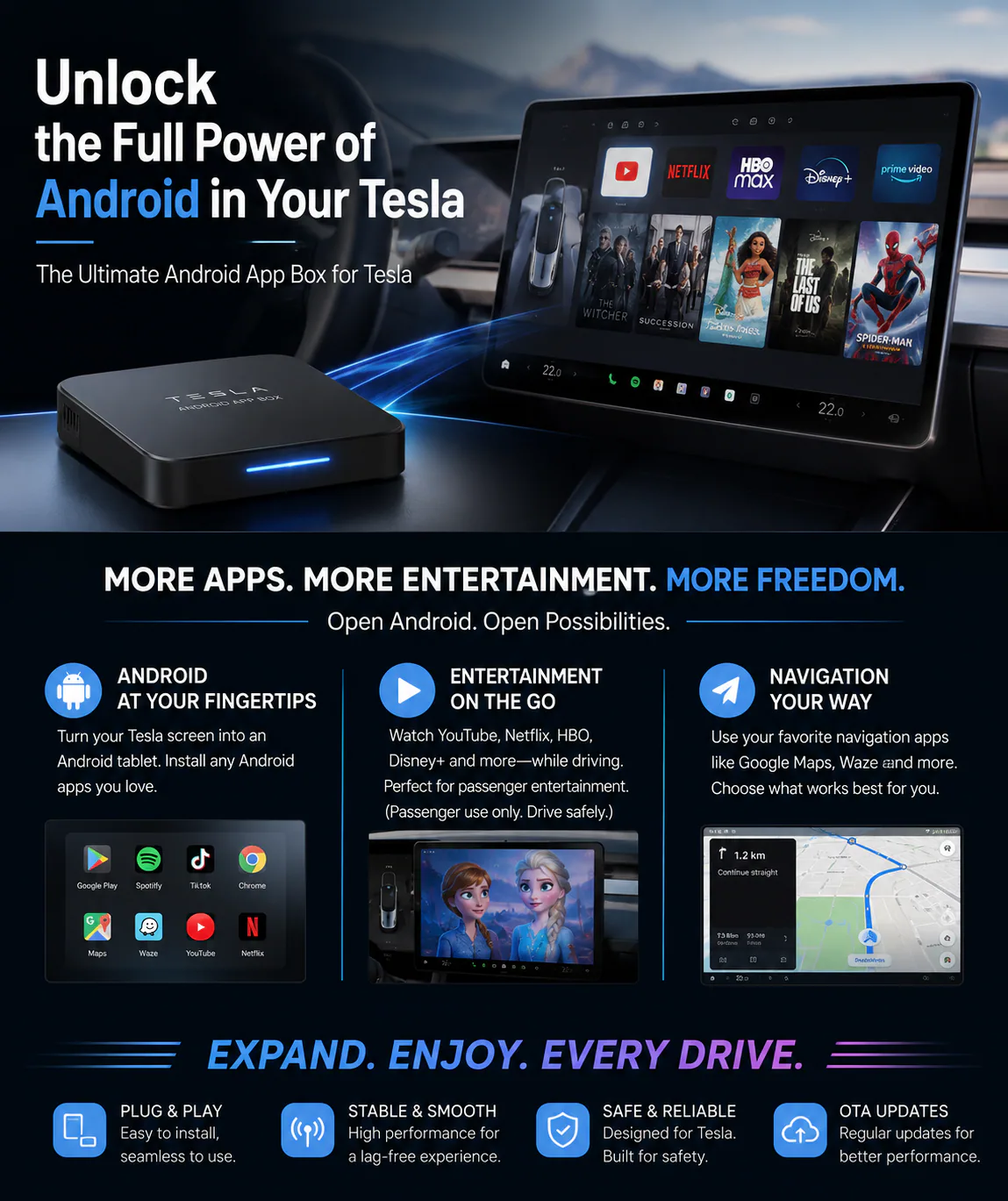
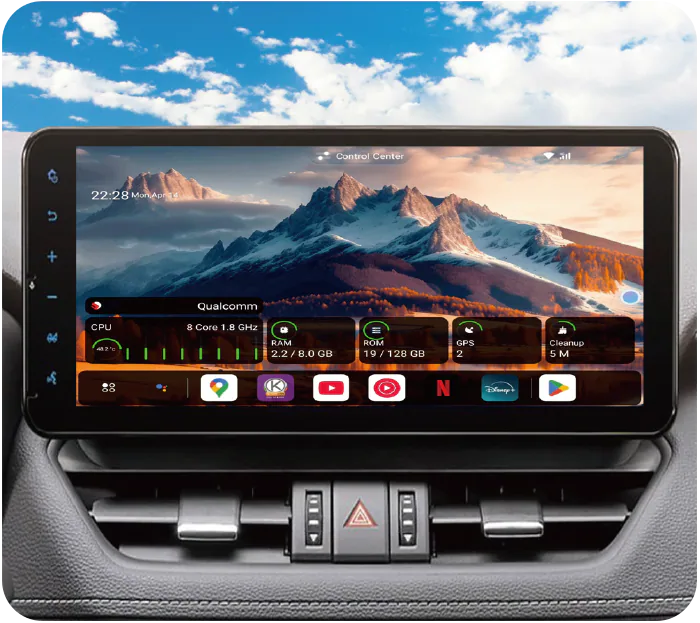
Bring a flexible Android 13 environment to compatible Tesla displays through the vehicle's built-in browser, with an Android 16 update planned for a future release. Designed for app choice, passenger entertainment, flexible navigation, and Tesla-specific Wi-Fi behavior.
Android 13Current shipping software; Android 16 update planned
8 GB + 128 GBMemory and storage
Qualcomm 8-coreProcessor above 2 GHz
4GMobile network support varies by region and carrier
- Dual Wi-Fi and dual Bluetooth: separate vehicle, internet, phone, and audio connection roles.
- Two audio modes: choose Bluetooth for vehicle controls and microphone access, or Wi-Fi for simpler setup.
- Browser-based access: reconnect through the saved www.tslbox.link browser favorite after first-time setup.
- Regional OTA support: firmware updates can expand Tesla connectivity-check and Wi-Fi compatibility.
Requires a Tesla built-in browser that is usable in Drive (D) after the vehicle passes its internet connectivity check. The box can satisfy the check through a real internet connection or firmware compatibility responses. Confirm the vehicle software and region before ordering. Features, apps, mobile bands, browser behavior, and Wi-Fi compatibility vary by vehicle, software, region, and service provider. Android 16 update timing and availability may vary by release schedule and supported hardware. Passenger use only where permitted. Tesla is a trademark of Tesla, Inc.; NAVLYNX is not affiliated with Tesla, Inc.
Technology
Built around the way modern cabins are actually used.
CarPlay AI Box platform
Transform compatible factory CarPlay systems into a smarter Android-powered media environment.
Tesla browser integration
ApplePie Tesla Android Box uses a dedicated Wi-Fi and browser workflow for selected Tesla vehicles, without requiring factory CarPlay.
HDMI expansion
Continue playback on rear-seat displays, hotel TVs, monitors, or projectors where supported.
Dual-screen workflows
Selected models support same-screen or different-screen output for richer passenger entertainment.
Navigation continuity
GPS, GNSS, AGPS, original vehicle GPS, and inertial navigation options vary by model and vehicle.
OTA service path
Selected products support online firmware updates without memory-card workflows.
Original cabin control
Designed to work with factory touchscreens, microphones, steering wheel keys, knobs, and touchpads where compatible.
Compatibility
Designed for mainstream CarPlay vehicle systems.
NAVLYNX ApplePie products support many major vehicle brands when the original car system provides compatible wired or wireless CarPlay. Supported functions, GPS data, controls, audio behavior, and display output can vary by vehicle model, head unit, firmware, region, and selected ApplePie product.
Requires a Tesla built-in browser that is usable in Drive (D) after the vehicle passes its internet connectivity check. The box can satisfy the check through a real internet connection or firmware compatibility responses. Confirm the vehicle software and region before ordering.
AudiBMWFordHyundaiKiaLexusMercedes-BenzNissanPorscheSubaruToyotaVolkswagenVolvo
Use cases
One compact box, more entertainment scenarios.
Tesla app and navigation expansion
Daily commute streaming and navigation
Family road-trip entertainment
Rear-seat HDMI display setups
Hotel TV or projector playback
Camping and outdoor media nights
Distributor-ready product education
Support
Make post-sale service visible from day one.
Find setup guidance, firmware resources, answers to common questions, and a direct way to request support for your NAVLYNX product.
FAQ
NAVLYNX ApplePie FAQ for global users.
Find answers about setup, compatibility and everyday use. For warranty terms or services in your region, contact the NAVLYNX support team.
ApplePie Lite
Which factory systems can ApplePie Lite use?
ApplePie Lite is designed for compatible vehicles with factory wired CarPlay or factory wired Android Auto. It does not use factory wireless CarPlay. Confirm the vehicle connection type, USB data port, and head-unit compatibility before ordering.
Does ApplePie Lite include a SIM card or mobile network?
No. ApplePie Lite is a Wi-Fi-only Android Box without a cellular modem. Connect it to a phone hotspot or another suitable Wi-Fi network when Android apps need internet access.
What is the difference between ApplePie Lite and ApplePie One Lite?
Both RK3562 models are in mass production. ApplePie Lite connects through compatible factory wired CarPlay or wired Android Auto. ApplePie One Lite is the three-in-one model for compatible factory wired CarPlay, wireless CarPlay, or wired Android Auto, with automatic connection detection and no manual input-mode switch.
ApplePie Tesla Android Box
Which Tesla vehicles are compatible?
Requires a Tesla built-in browser that is usable in Drive (D) after the vehicle passes its internet connectivity check. The box can satisfy the check through a real internet connection or firmware compatibility responses. Confirm the vehicle software and region before ordering. If Tesla supports wireless CarPlay in the future, NAVLYNX plans to enable a CarPlay connection through an OTA update. This is a future plan; the current connection uses the Tesla browser.
How does ApplePie Tesla Android Box connect to the vehicle?
The box is powered from a stable 5V/2A or 5V/3A source and broadcasts its own Wi-Fi hotspot. Connect the Tesla touchscreen to the TslBoxAP network, enable Keep Connected While Driving, then open www.tslbox.link in the vehicle browser. After the first successful setup, the vehicle can reconnect automatically.
Why might the browser fail to open during first-time setup?
Before opening the browser, the Tesla head unit may check whether the connected Wi-Fi network has internet access. If the regional connectivity-check address is not yet supported, give the box real internet access through an active SIM card or a phone hotspot named TSLBOX with password 88888888, then contact support so the regional behavior can be reviewed for a future firmware update.
What happens when the vehicle is shifted into Reverse?
Tesla exits the browser when Reverse is selected so the vehicle camera interface can take priority. After reversing, tap the browser icon to reopen the ApplePie Tesla Android Box interface.
Should audio use Bluetooth or Wi-Fi?
Bluetooth mode supports Tesla steering-wheel track controls, the original vehicle microphone, hands-free calling, and wireless CarPlay or Android Auto through the box, but it occupies the Tesla Bluetooth connection. Wi-Fi mode is simpler to set up and lets the phone remain connected to Tesla Bluetooth, but steering-wheel track controls and vehicle-microphone input are not available to box apps.
Device and setup
Is it normal for an ApplePie device to feel warm?
Yes. ApplePie products are designed to move heat away from the processor through thermal conduction and ventilation. A warm enclosure is usually a sign that heat is being released. If the device freezes repeatedly, update firmware, remove unsupported or suspicious apps, and contact support for diagnosis.
What memory-card format and capacity should I use?
For the model you are buying or using, check its product manual for the supported memory-card format and capacity. Do not assume that a capacity listed for another ApplePie model applies to yours. If the card is not recognized, contact the support centre before formatting it; formatting erases its contents.
Legacy setup reference: For historical ApplePie and ApplePie mini configurations, the earlier setup guidance was up to 128 GB; for Rocket, UFO, mini Ultra, and mini EVO III configurations, it was up to 256 GB, using FAT32 or exFAT. Confirm the exact configuration with support; this reference does not define memory-card support for current products.
Setup GuidesHow can I identify my ApplePie model?
Check the exterior design, Android version, firmware file name, and most importantly the model code inside Settings. On supported models, go to Settings, then the ApplePie model settings page, and check the version field that begins with an APM model code.
Which Android version does each current ApplePie model use?
ApplePie Rocket Plus, ONE, Touch, mini Ultra II, and Melling use Android 16. ApplePie One Lite and ApplePie Lite use Android 13. ApplePie Tesla Android Box currently uses Android 13 and is planned to receive an Android 16 update. ApplePie Rocket remains on Android 13 and will not receive a further major Android-version upgrade.
How do I check the firmware version?
For the model you are buying or using, check the product manual or visit the support centre to find the correct firmware-version screen. Send the exact model code and the displayed firmware version when requesting help.
Legacy setup reference: On earlier ApplePie, mini EVO, mini Ultra, and Rocket model families, the firmware date or version appears at the bottom of the model-specific ApplePie settings page. The location may differ on current products.
Setup GuidesConnectivity and navigation
Why does iPhone hotspot not always reconnect automatically?
iPhone hotspot behavior depends on iOS power management and timing. For a more reliable connection, turn on Personal Hotspot before starting the car, keep the phone awake during connection, and reconnect after ApplePie has finished booting.
Does ApplePie support SIM cards, 4G, or 5G?
Cellular support varies by model and region. Check the exact model specifications and supported carrier bands. Use the SIM size specified in the product manual, and disable SIM PIN protection before inserting the card.
Setup GuidesHow do I use wireless CarPlay or Android Auto?
Pair the phone through the ApplePie Bluetooth phone app, then open the supported CarPlay or Android Auto connection app such as Zlink or Xlink, depending on model and firmware. When wireless CarPlay is active, ApplePie may use Wi-Fi to connect with the phone, so cellular data or a SIM card may be needed for ApplePie itself to stay online.
What should I check if GPS is unstable?
Confirm location permission is always allowed for the navigation app. Move the device away from metalized window film or strong electronic interference, test outside tunnels or underground parking, and enable original vehicle GPS in ApplePie settings if the vehicle provides compatible GPS data.
Audio, video, and apps
What should I do if there is video but no sound?
First remove conflicting Bluetooth pairings, especially active Bluetooth accessories paired at the same time as the ApplePie phone Bluetooth profile. Then unpair the phone from the factory head unit if needed, check media volume, and avoid unsupported video display modes that may cause no-audio behavior.
How can I improve audio and video sync?
Update firmware first. If delay remains, adjust the display mode or audio-video sync option available on your model, then unplug and reconnect the device. BMW iDrive systems may need a dedicated sync delay because the vehicle head unit processes audio and video differently.
Why can BMW iDrive users feel delay after enabling audio-video sync?
The sync option intentionally delays the picture so that it can match audio processed by the vehicle system. This can feel like slower touch response. If the delay is uncomfortable, reduce or disable the sync setting, or update firmware and test the recommended iDrive mode.
How are apps such as Disney+, Netflix, or YouTube updated?
Use the Play Store when available, or install an official APK source recommended by NAVLYNX support for your region. Some streaming apps may require newer versions, background playback support, or app-specific audio whitelist settings.
Vehicle compatibility and accessories
Will ApplePie work with my car?
ApplePie products are designed for vehicles with compatible factory wired or wireless CarPlay. Supported brands include many Audi, BMW, Ford, Hyundai, Kia, Lexus, Mercedes-Benz, Nissan, Porsche, Subaru, Toyota, Volkswagen, Volvo, and other models. Compatibility can vary by head unit, firmware, region, and selected ApplePie model.
What should I try if ApplePie suddenly will not connect?
Unplug the device, power off and lock the car, wait several minutes for the head unit to fully shut down, then reconnect. If the issue continues, reset the factory head unit settings and test again. Persistent connection issues should be reported with model, vehicle, firmware, and log details.
Why should Type-C to Type-C setups use NAVLYNX original cable?
ApplePie devices operate from stable 5V USB power. Some third-party Type-C cables or PD fast-charging power sources may negotiate higher voltage and risk device damage. The original cable is designed to avoid unsupported PD behavior and keep power stable.
What are EZ Connect and the Bluetooth air mouse used for?
EZ Connect is an accessory path for selected vehicles with power or reconnection behavior that needs extra stabilization. The Bluetooth air mouse is a remote controller for vehicles or HDMI displays where direct touch control is limited, useful for precise cursor movement, account input, and media control.
Contact Us / Global inquiry
Ready for retailers, distributors, and vehicle electronics partners.
Tell us about your market, sales channel, product requirements, or after-sales needs.
NAVLYNX INTELLIGENCE TECHNOLOGY LIMITED
- Registered Office
- Flat/Room 7022, Block D, 7/F Tak Wing Industry Building 3 Tsun Wen Road, Tuen Mun New Territories, Hong Kong, China
- R&D Office
- Room 201D, Tower A, Garden City Digital Building No. 1117 Nanhai Avenue, Nanshan District Shenzhen, Guangdong 518054, China
- Manufacturing Facility
- Room 907, Guanhua ChuangYi Yuan No. 39, Provincial Highway 358, Chang'an Town Dongguan, Guangdong 523850, China
- Support
- support@lynxtech-vision.com