
HDMI and passenger displays
CarPlay AI Box with HDMI output: what it can do
HDMI output can extend compatible Android content to another display, but the result depends on the AI Box, display, cable, power supply, app and vehicle installation.
Plan the complete signal path
Confirm the AI Box has HDMI output and that the destination display accepts the supported resolution. Use a reliable cable and provide stable power. An HDMI port does not guarantee that every app allows external playback.
Treat it as a passenger feature
Rear-seat or passenger displays are the normal use case. Do not install or use video in a way that obstructs the driver or violates local traffic and vehicle rules.
Ask about the exact installation
Before ordering, share the vehicle, factory connection, destination display, required resolution and intended apps. NAVLYNX Sales can identify the models and accessories that fit the proposed system.
- ApplePie Rocket Plus: Android 16, 5G and HDMI
- ApplePie Touch: integrated touch display and HDMI
- ApplePie ONE and Melling: HDMI output is standard on the current sales versions
Verified product profiles
Models that match this selection condition.
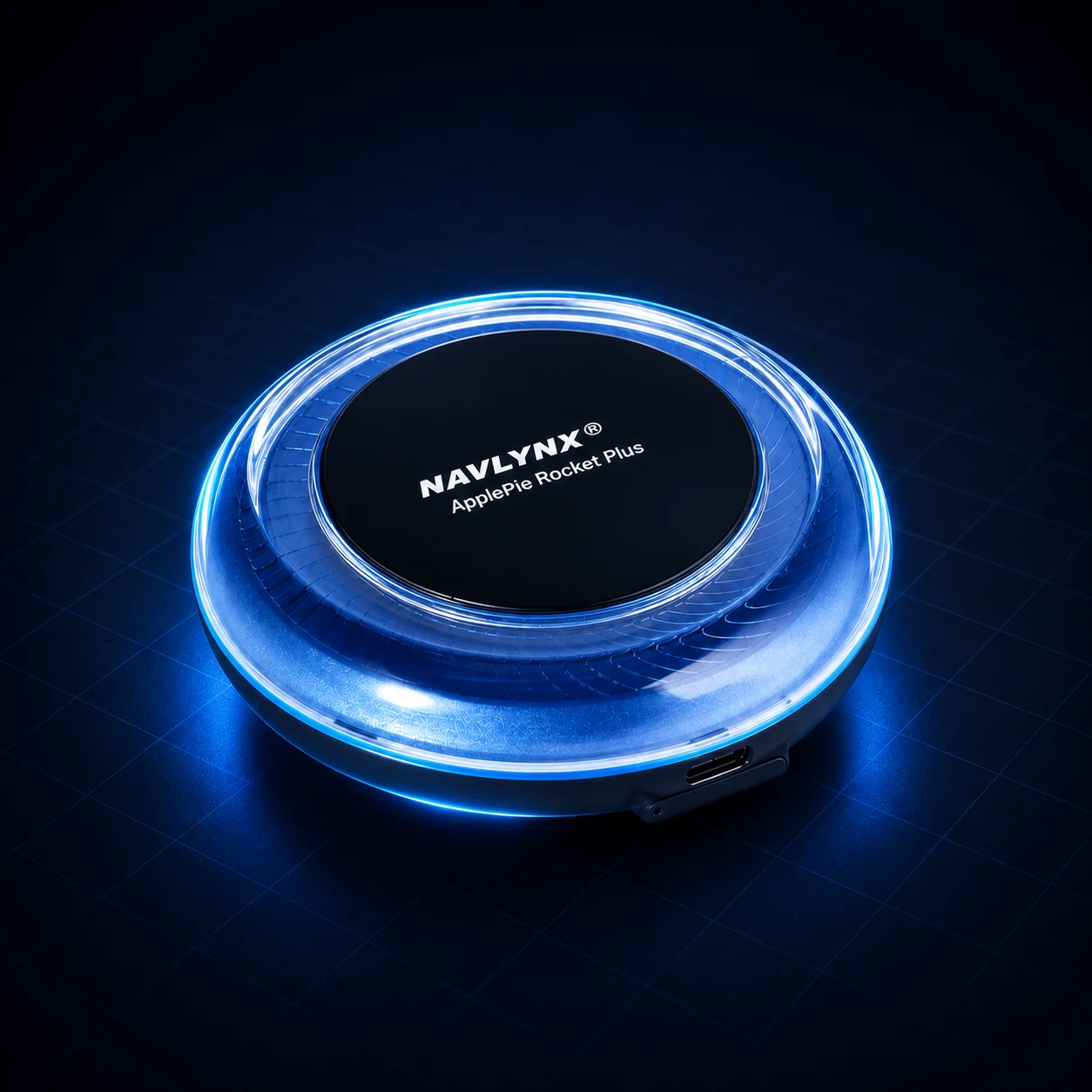 ApplePie Rocket Plus3-in-1 factory connection support · Wired CarPlay + wireless CarPlay + wired Android Auto · Android 16
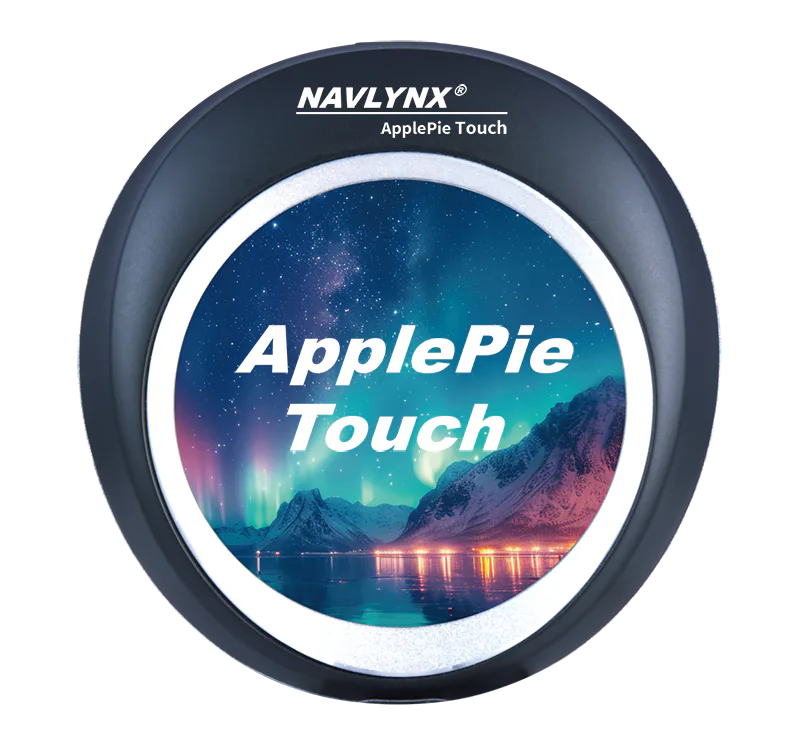 ApplePie Touch3-in-1 factory connection support · Wired CarPlay + wireless CarPlay + wired Android Auto · 2.1-inch touch display
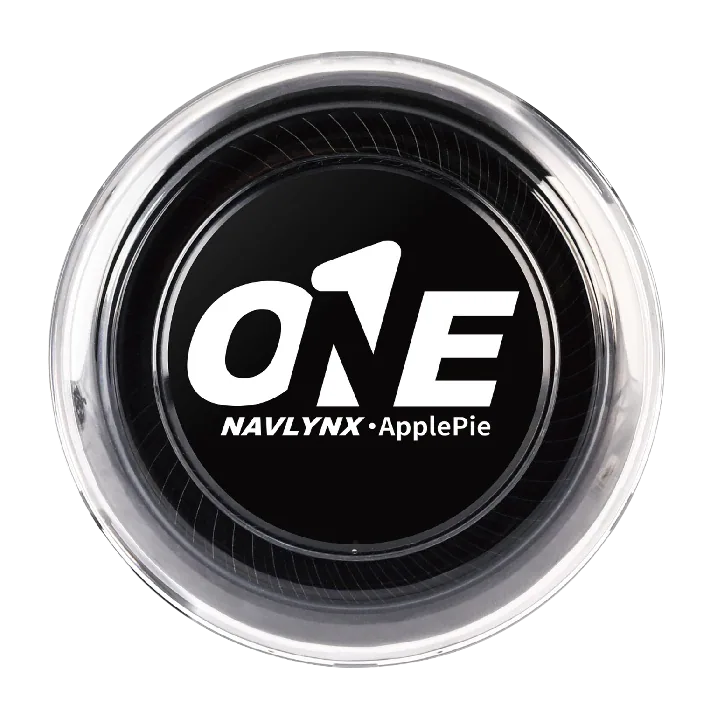 ApplePie ONE3-in-1 factory connection support · Wired CarPlay + wireless CarPlay + wired Android Auto · Android 16
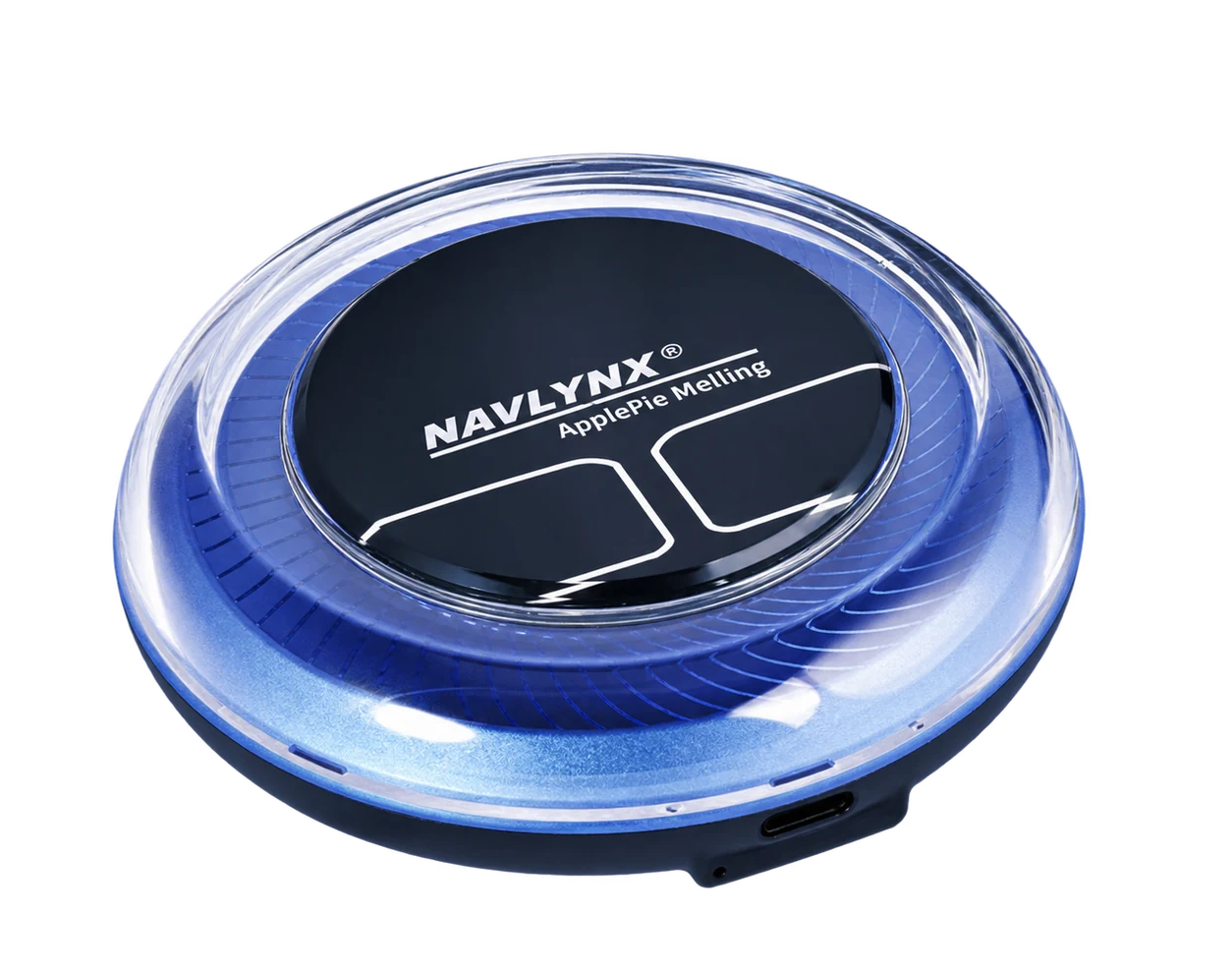 ApplePie MellingFactory wireless CarPlay input · Android 16 · Qualcomm platform
Need a model recommendation?
Send the exact vehicle details.
Include the vehicle make, model, year, country, factory connection mode and the features you need. Contact sales@lynxtech-vision.com.
Reviewed and updated October 6, 2026.