
Factory connection guide
CarPlay AI Boxes for factory wired Apple CarPlay
Start with the vehicle's working factory wired Apple CarPlay connection, then compare the Android version, network, processor and display features you need.
Confirm the factory data connection
Connect an iPhone with a data-capable cable to the same USB port you plan to use. Factory CarPlay must open and operate normally; a charging-only USB port is not sufficient.
Choose the features after compatibility
Wi-Fi-only, 4G and 5G models serve different connectivity needs. Android version, processor, positioning and HDMI output should be selected only after the factory connection is confirmed.
A profile match is not a vehicle guarantee
The models below support this factory connection profile. Compatibility can still vary by head unit, firmware, region and supplied configuration. Send the exact vehicle details to NAVLYNX Sales before ordering.
Verified product profiles
Models that match this selection condition.
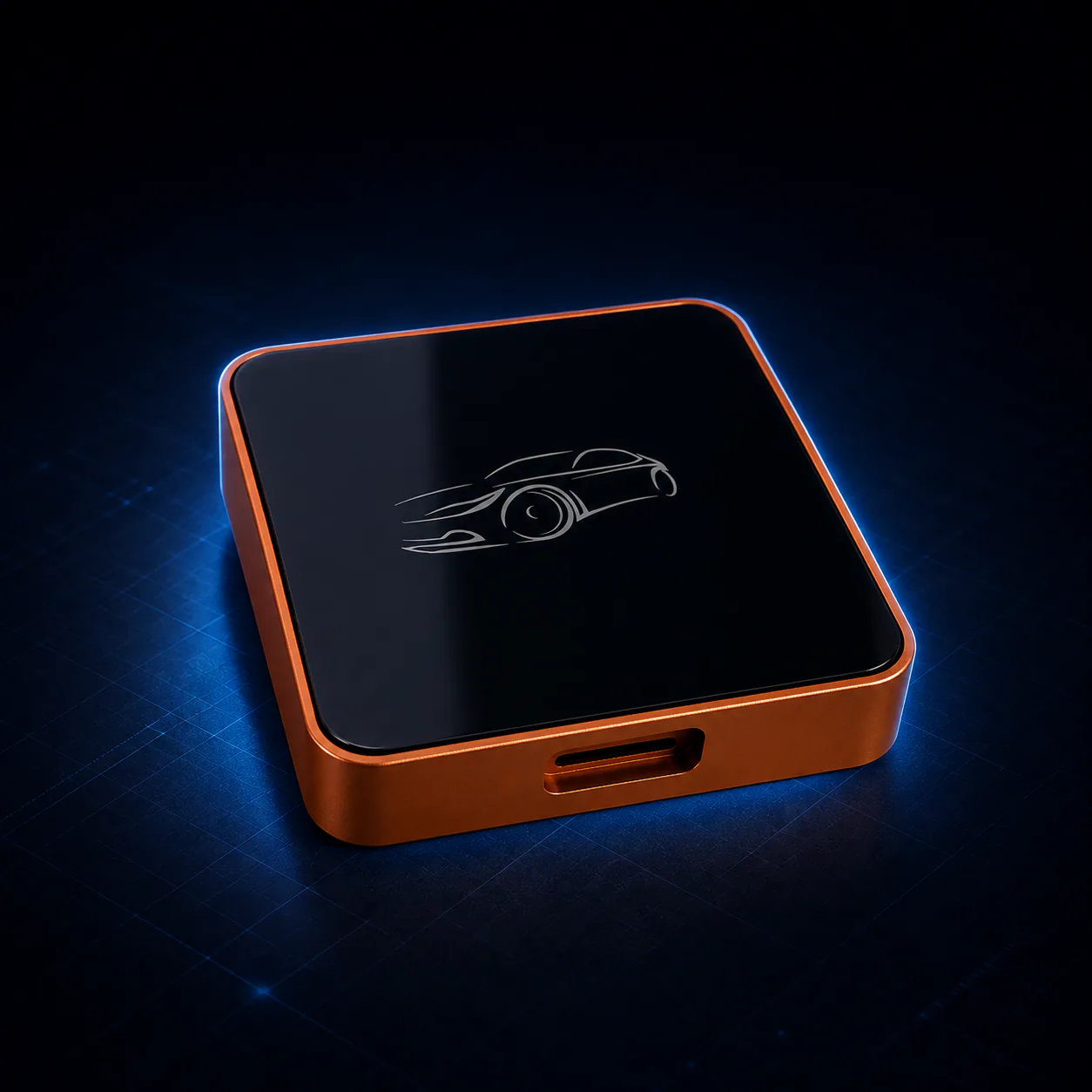 ApplePie One LiteAndroid 13 · Rockchip RK3562 · 1 TOPS NPU
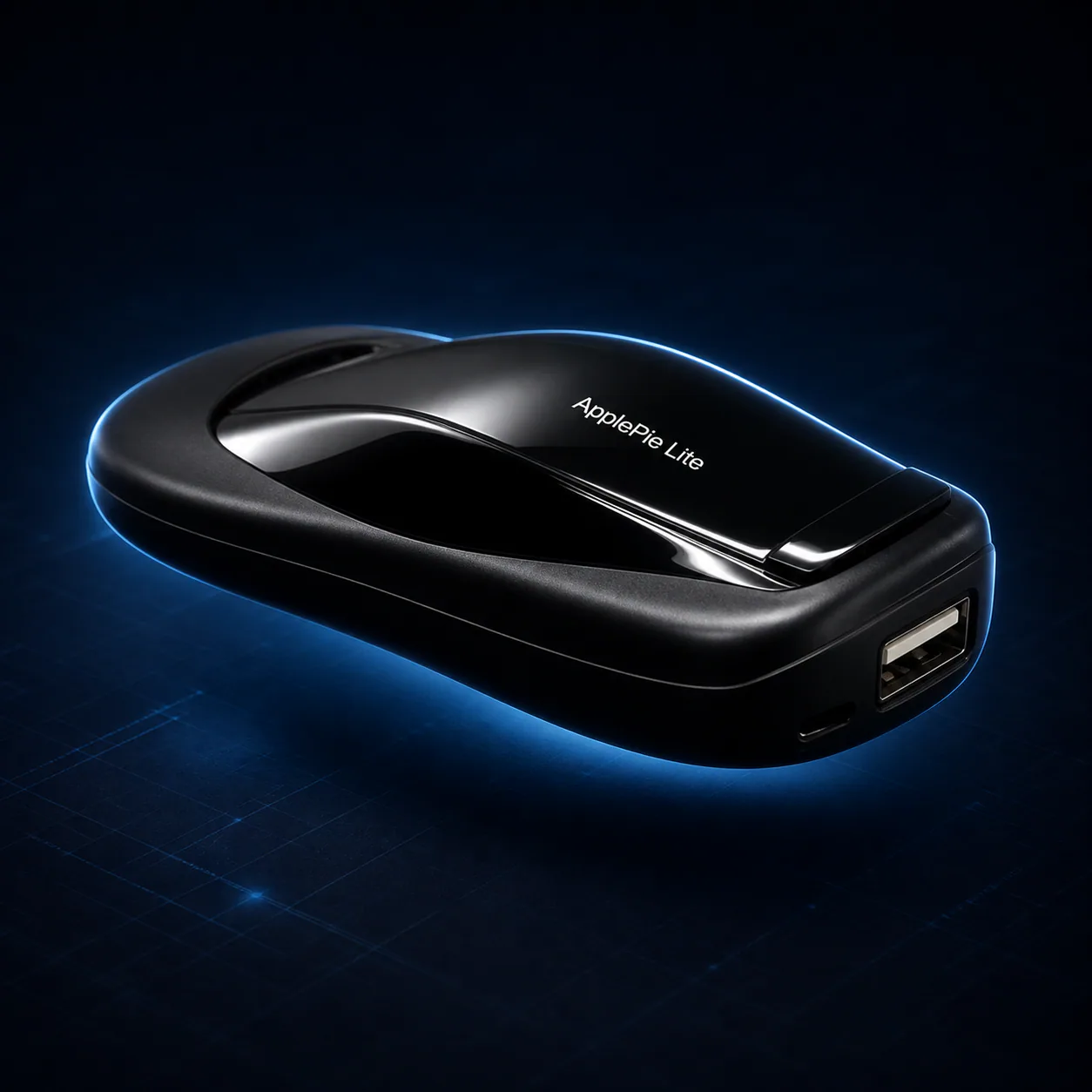 ApplePie LiteAndroid 13 · Rockchip RK3562 · 1 TOPS NPU
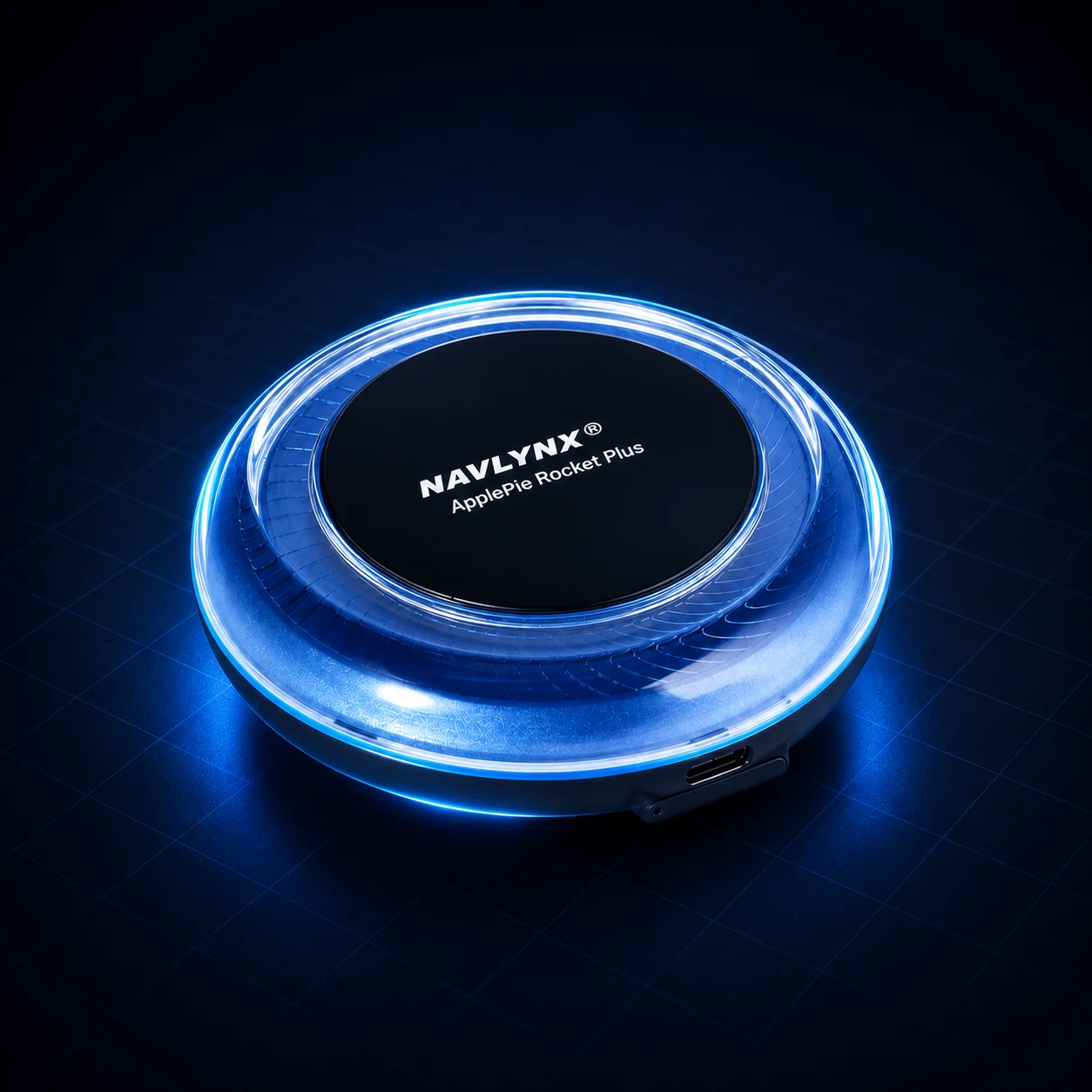 ApplePie Rocket Plus3-in-1 factory connection support · Wired CarPlay + wireless CarPlay + wired Android Auto · Android 16
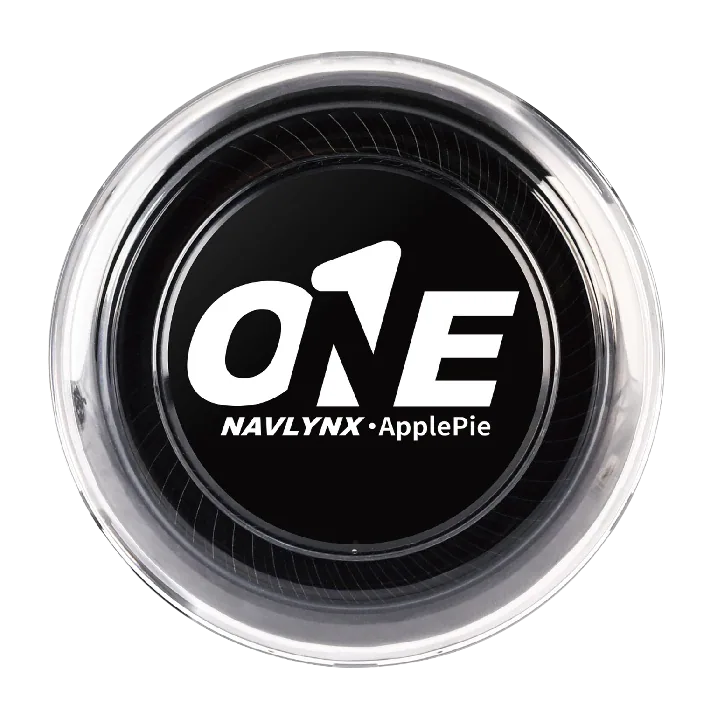 ApplePie ONE3-in-1 factory connection support · Wired CarPlay + wireless CarPlay + wired Android Auto · Android 16
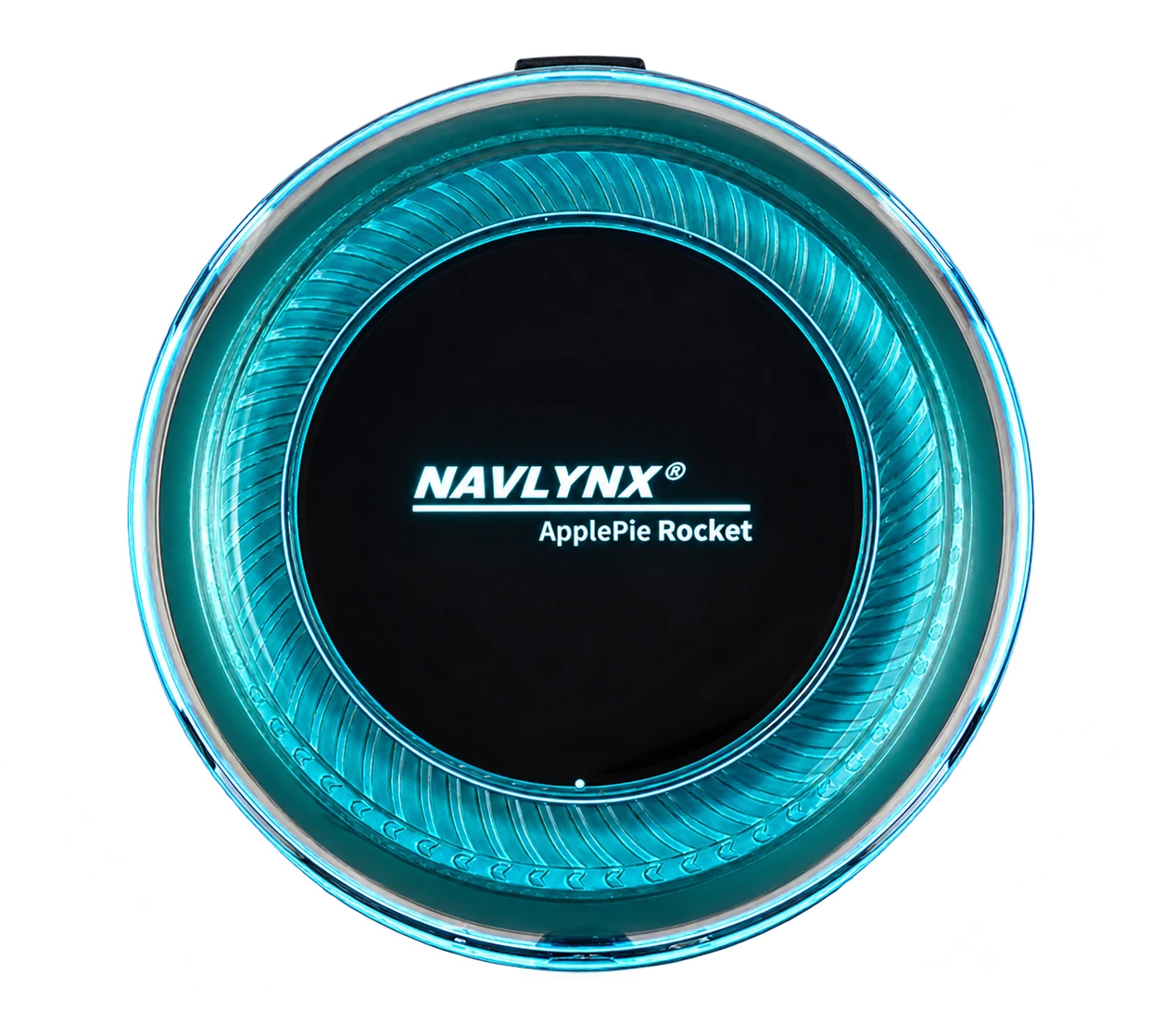 ApplePie RocketFactory wired CarPlay input · Android 13 (no further major OS upgrade) · 5G SIM support
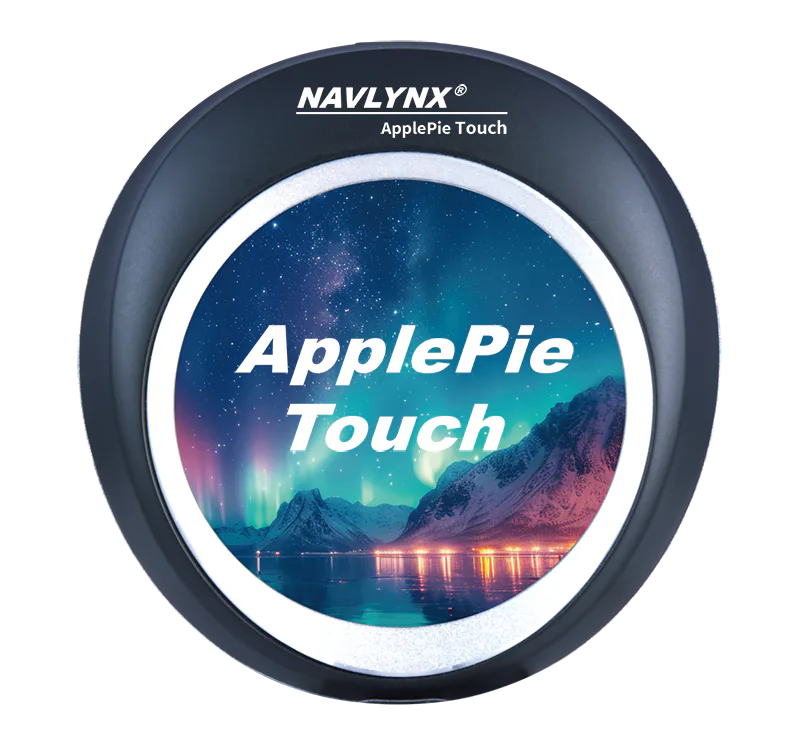 ApplePie Touch3-in-1 factory connection support · Wired CarPlay + wireless CarPlay + wired Android Auto · 2.1-inch touch display
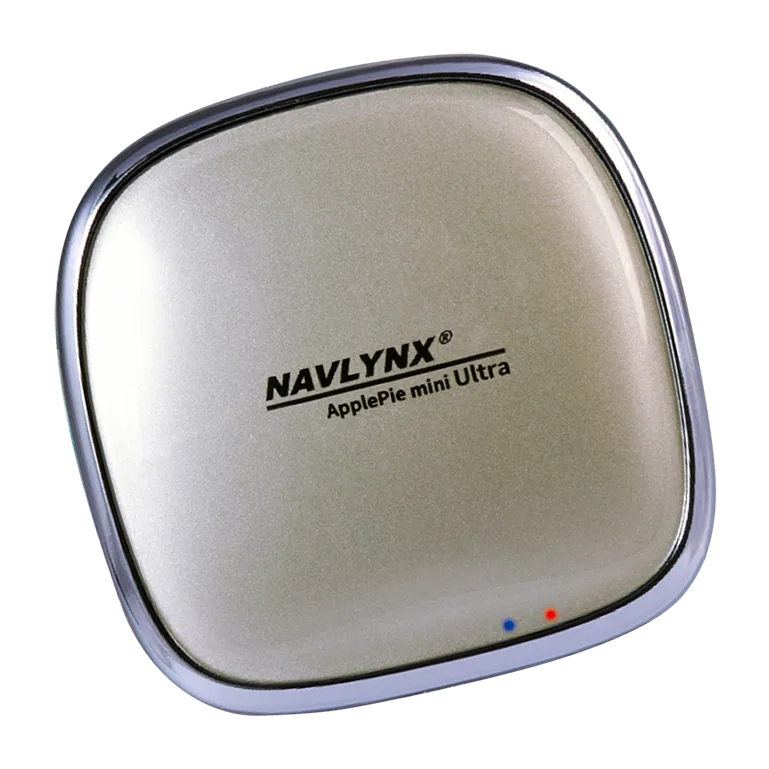 ApplePie mini Ultra IIFactory wired CarPlay input · Android 16 · Qualcomm platform
Need a model recommendation?
Send the exact vehicle details.
Include the vehicle make, model, year, country, factory connection mode and the features you need. Contact sales@lynxtech-vision.com.
Reviewed and updated September 13, 2026.