
Factory connection guide
Android Boxes for factory wired Android Auto
Selected NAVLYNX ApplePie models can use a compatible factory wired Android Auto data path. Confirm that Android Auto works through the vehicle's data USB port before choosing a model.
Test wired Android Auto first
Connect a supported Android phone with a data-capable cable. The vehicle must launch factory Android Auto through that port; charging alone is not enough.
Use a three-in-one or Android Auto input model
The matching profiles below include factory wired Android Auto support. Select network, Android version and processor requirements after confirming the input.
Ask about head-unit behavior
Compatibility can vary across trim levels and infotainment revisions within the same vehicle model year. NAVLYNX Sales can review the exact system before purchase.
Verified product profiles
Models that match this selection condition.
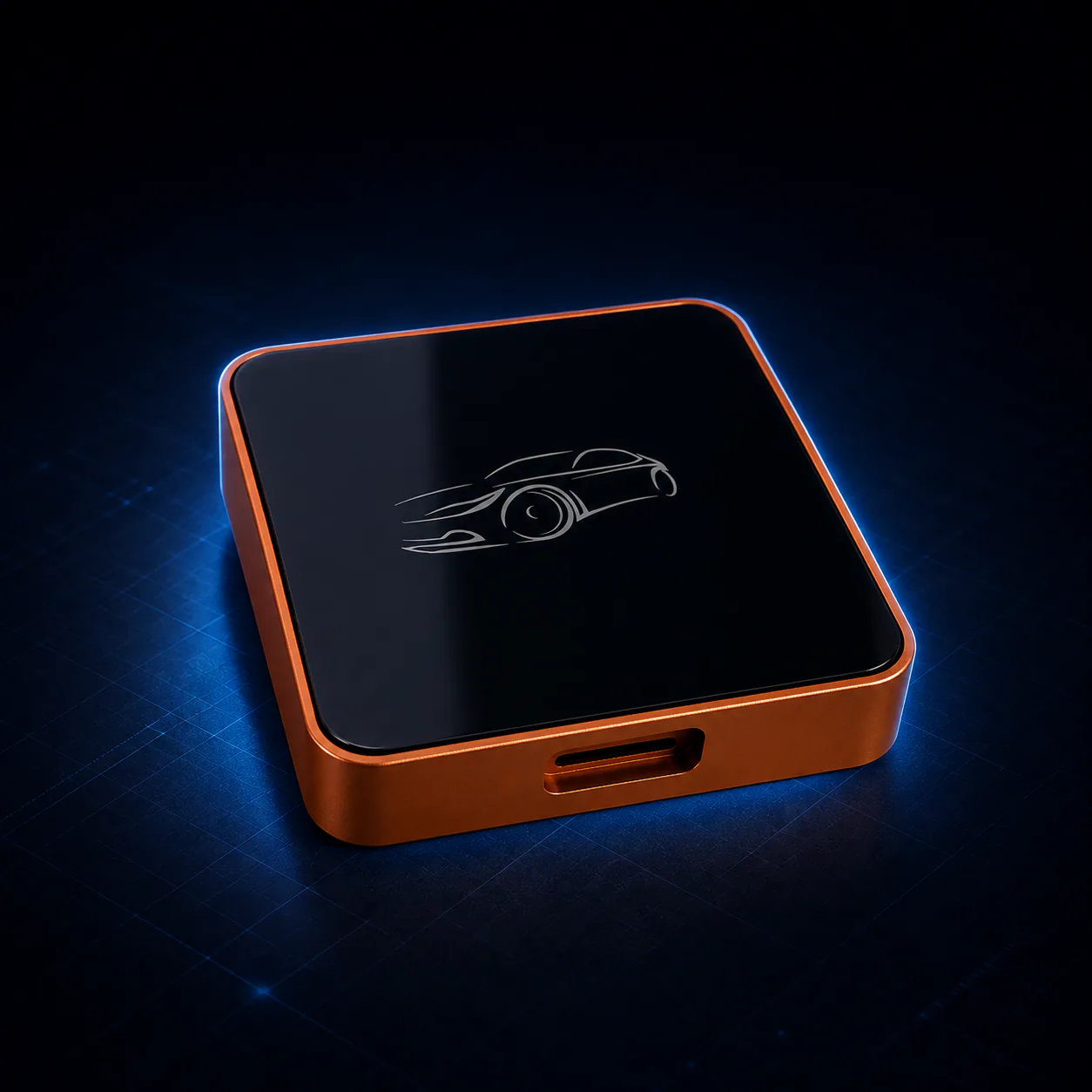 ApplePie One LiteAndroid 13 · Rockchip RK3562 · 1 TOPS NPU
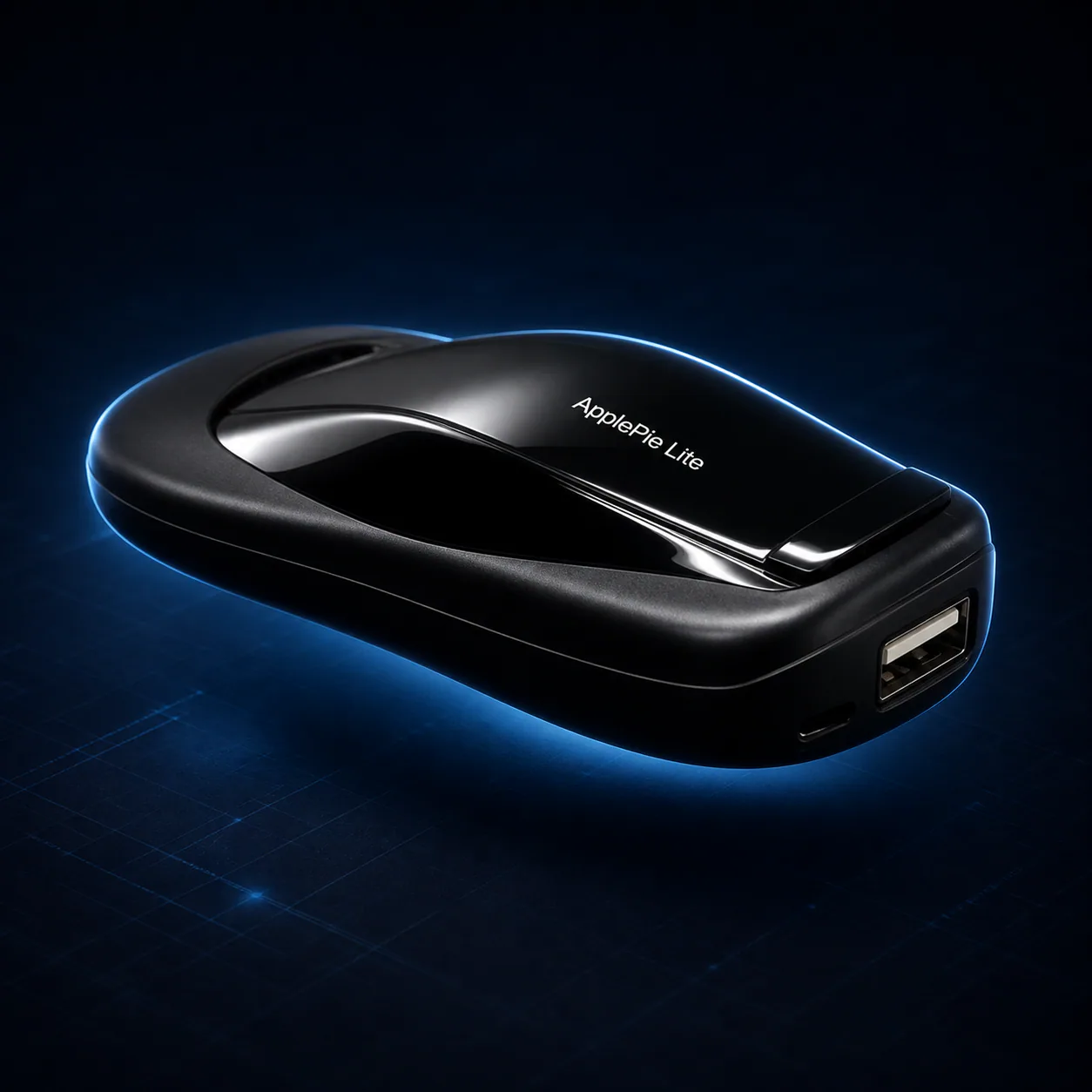 ApplePie LiteAndroid 13 · Rockchip RK3562 · 1 TOPS NPU
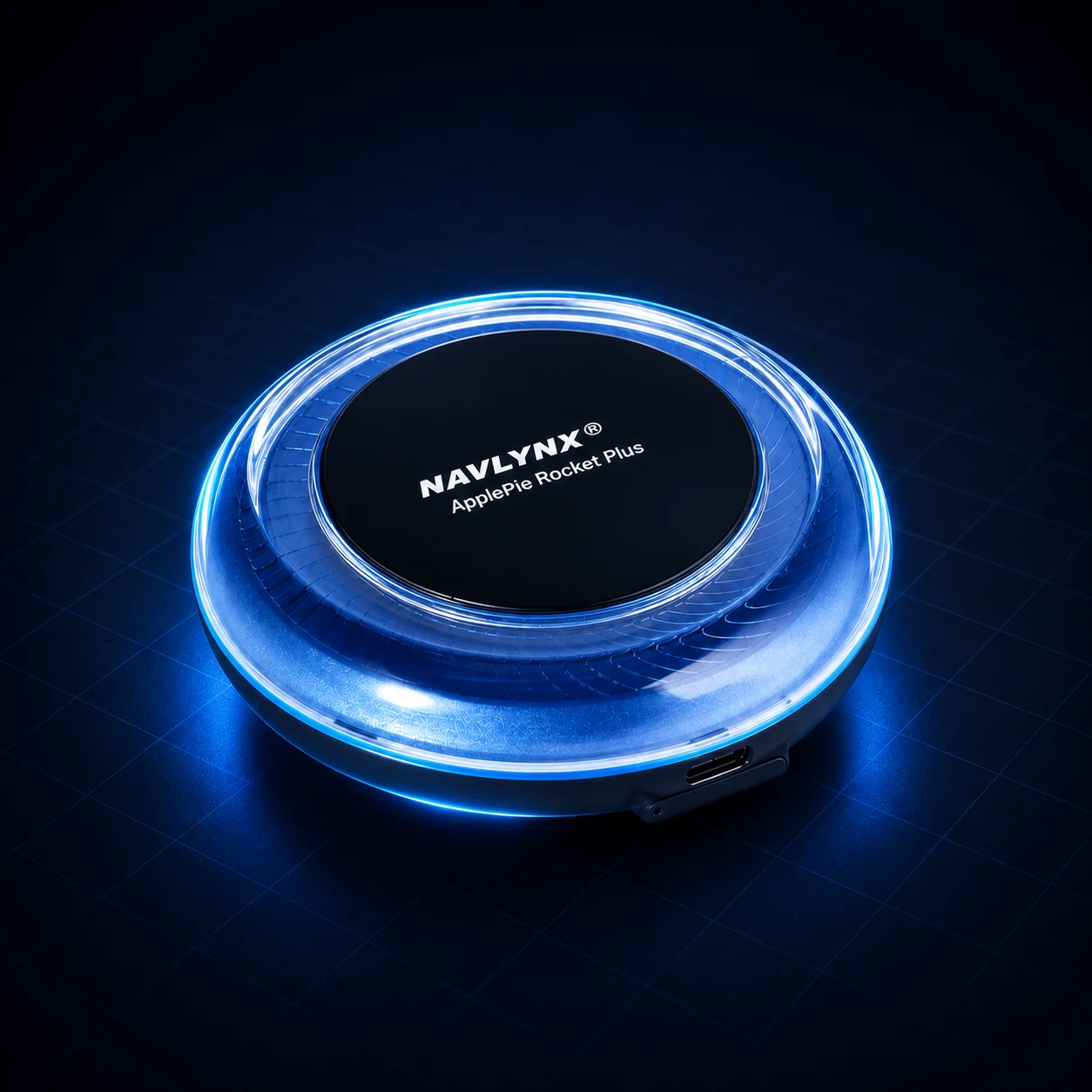 ApplePie Rocket Plus3-in-1 factory connection support · Wired CarPlay + wireless CarPlay + wired Android Auto · Android 16
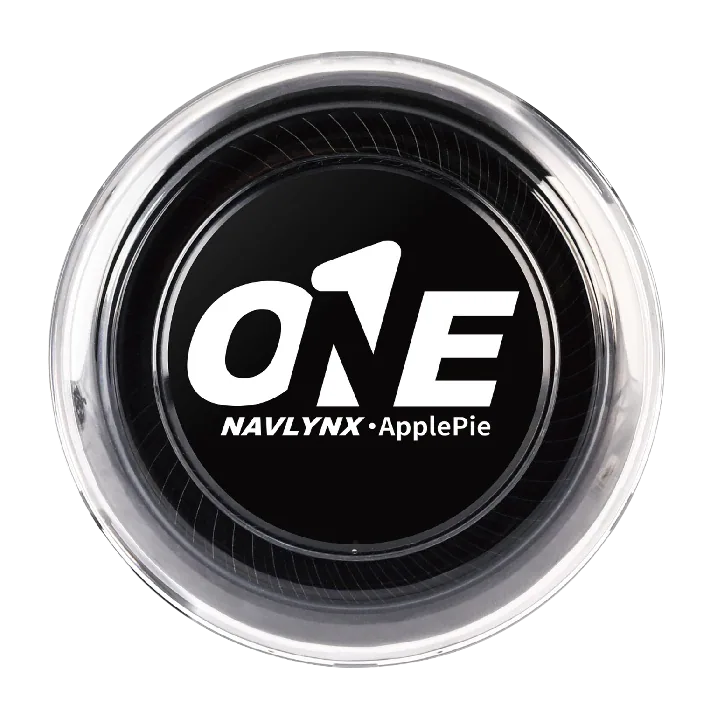 ApplePie ONE3-in-1 factory connection support · Wired CarPlay + wireless CarPlay + wired Android Auto · Android 16
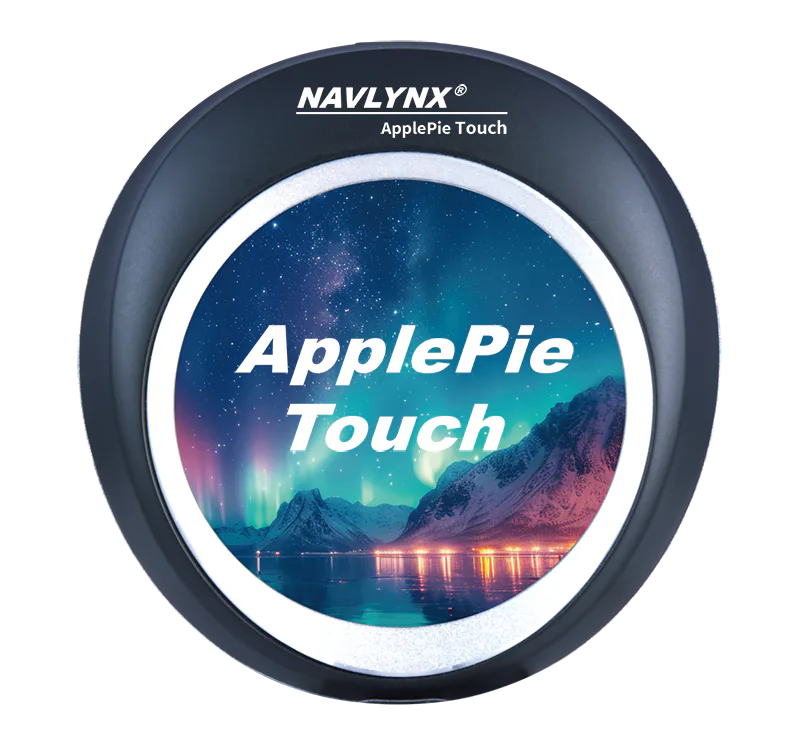 ApplePie Touch3-in-1 factory connection support · Wired CarPlay + wireless CarPlay + wired Android Auto · 2.1-inch touch display
Need a model recommendation?
Send the exact vehicle details.
Include the vehicle make, model, year, country, factory connection mode and the features you need. Contact sales@lynxtech-vision.com.
Reviewed and updated September 13, 2026.